Minecraft Coloring Pages
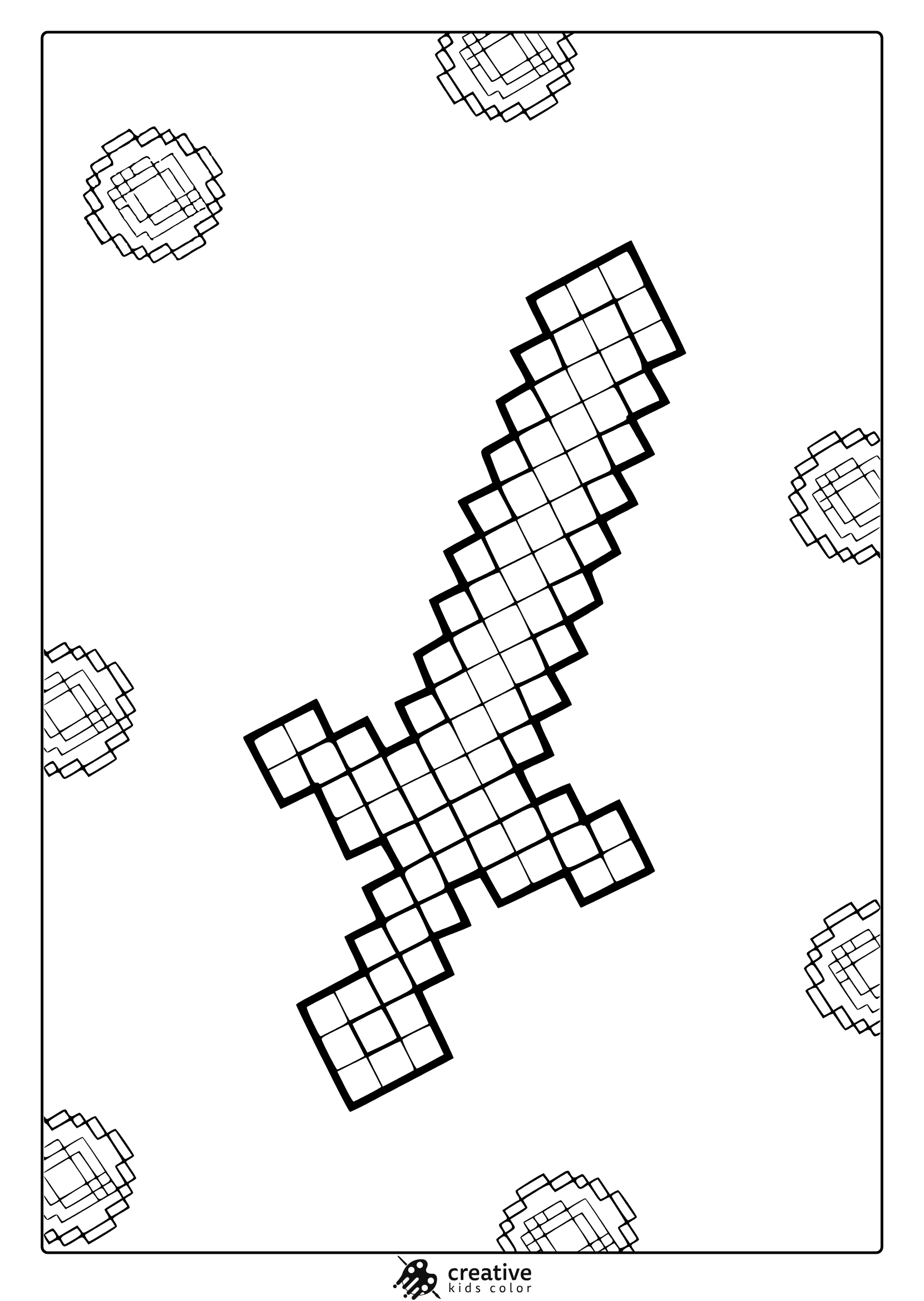
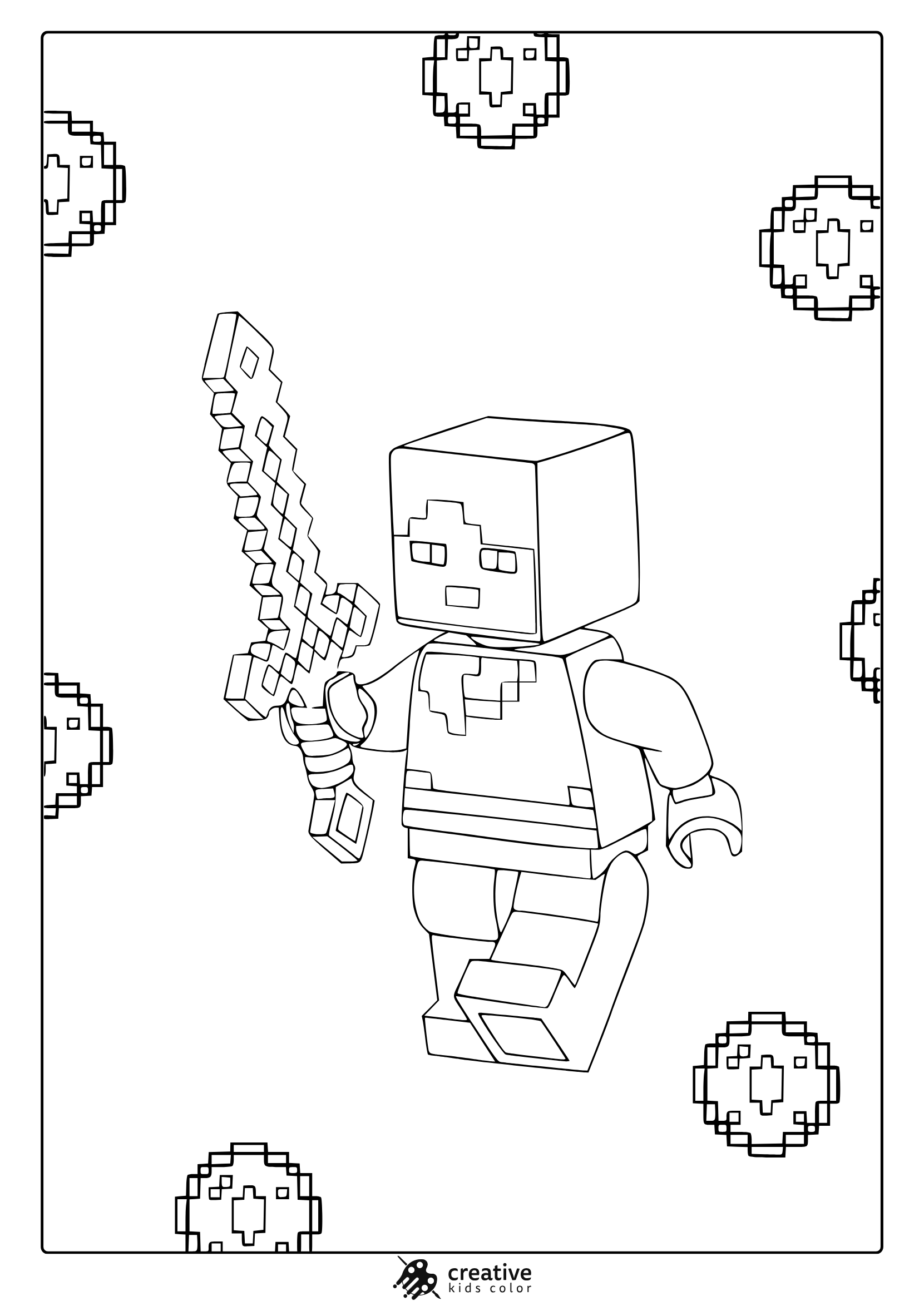
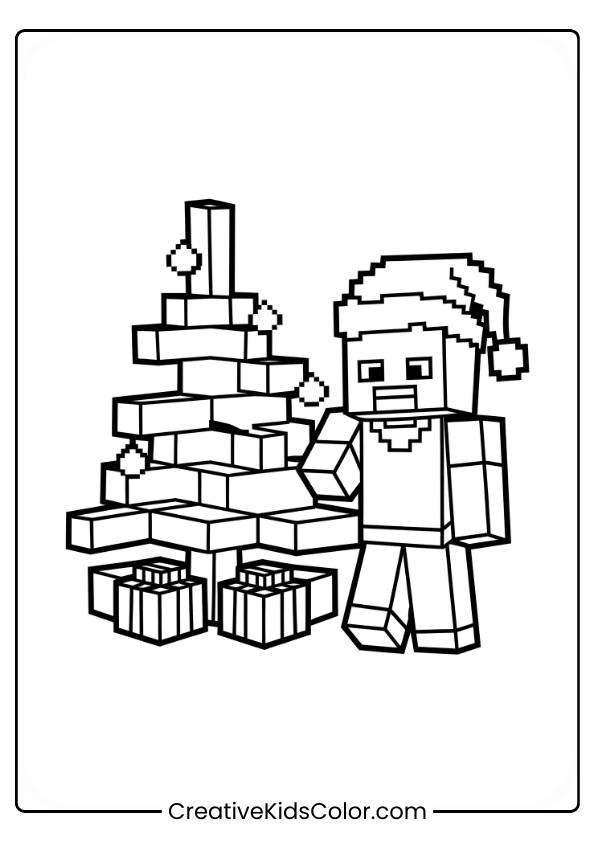
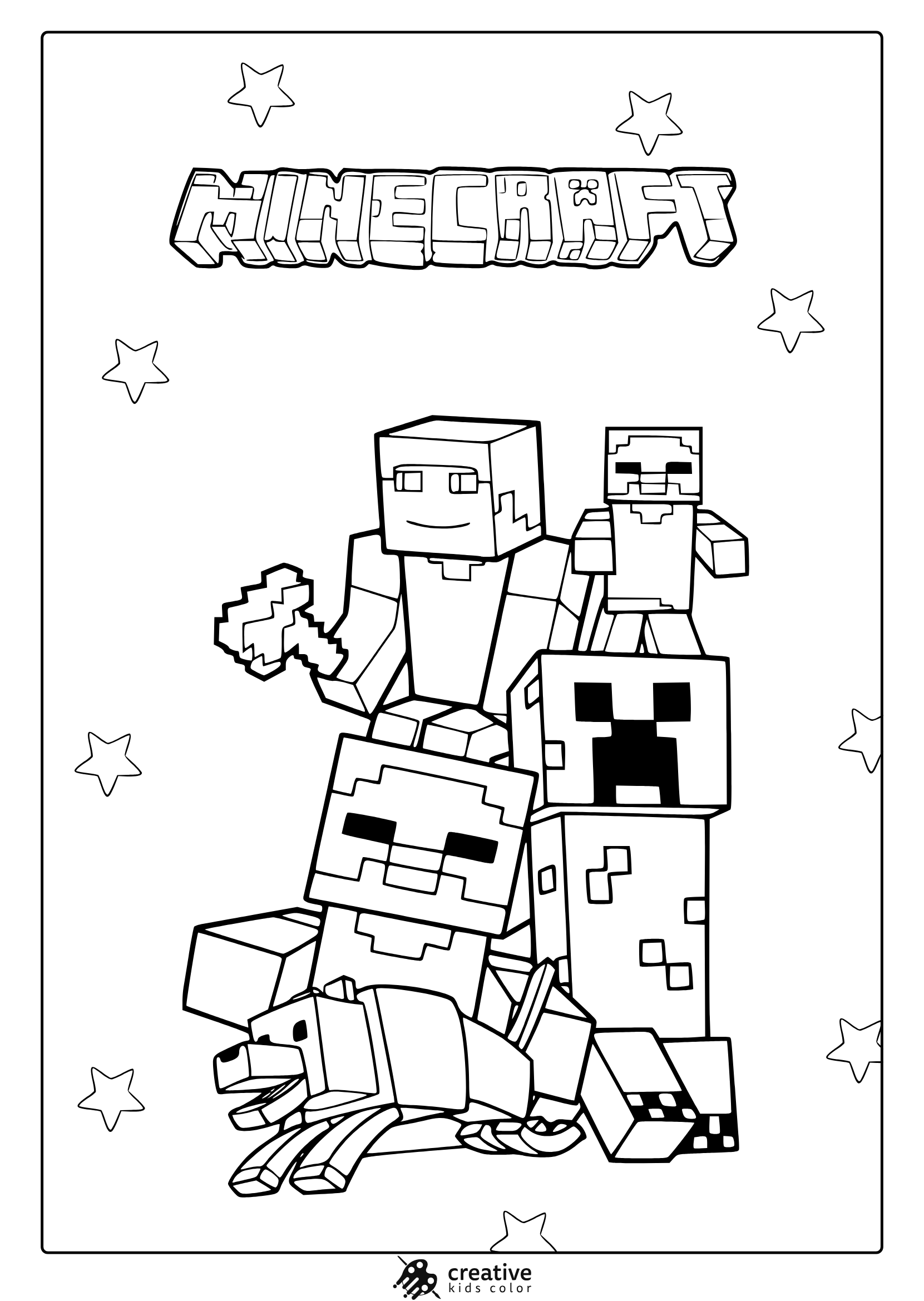
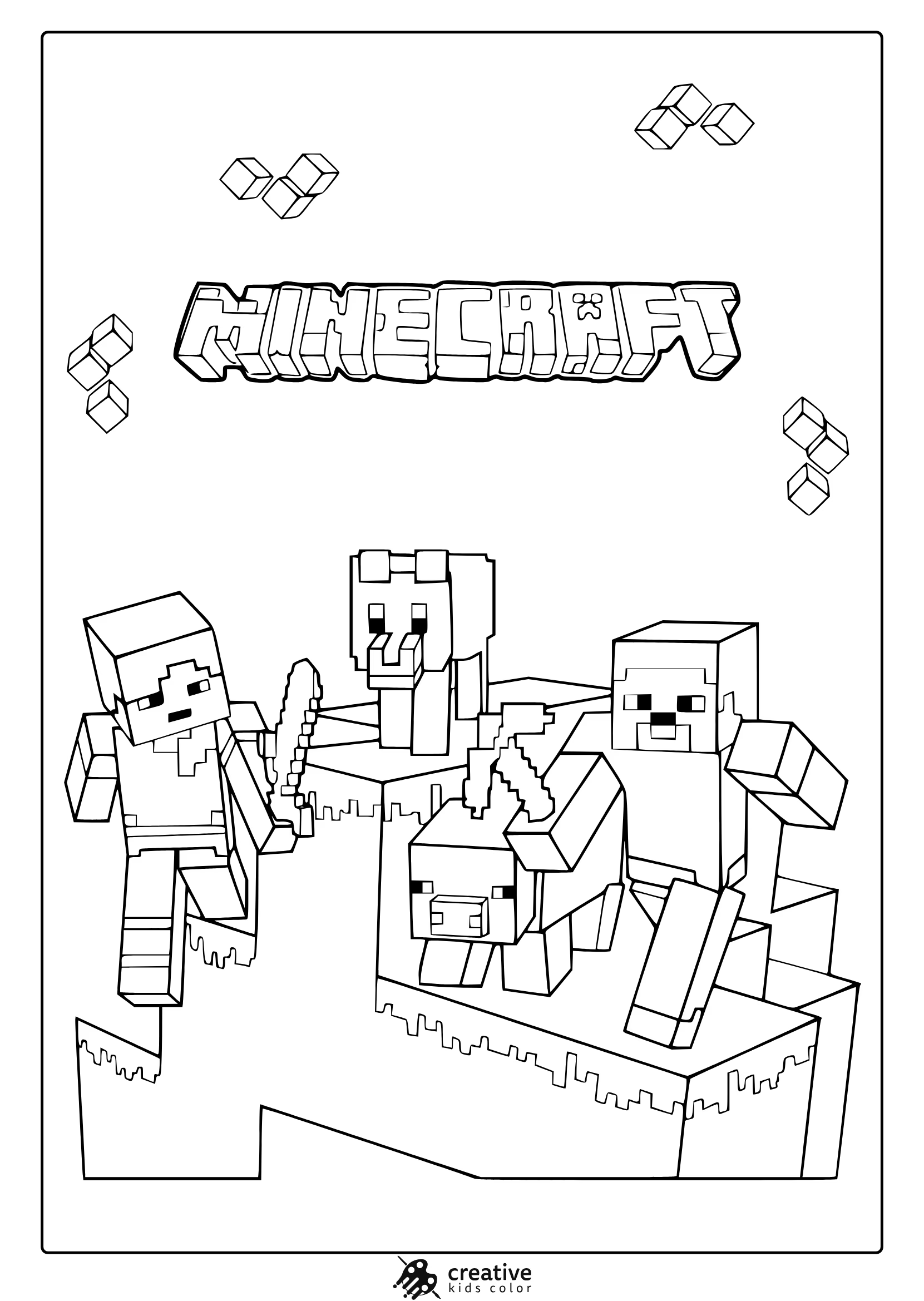
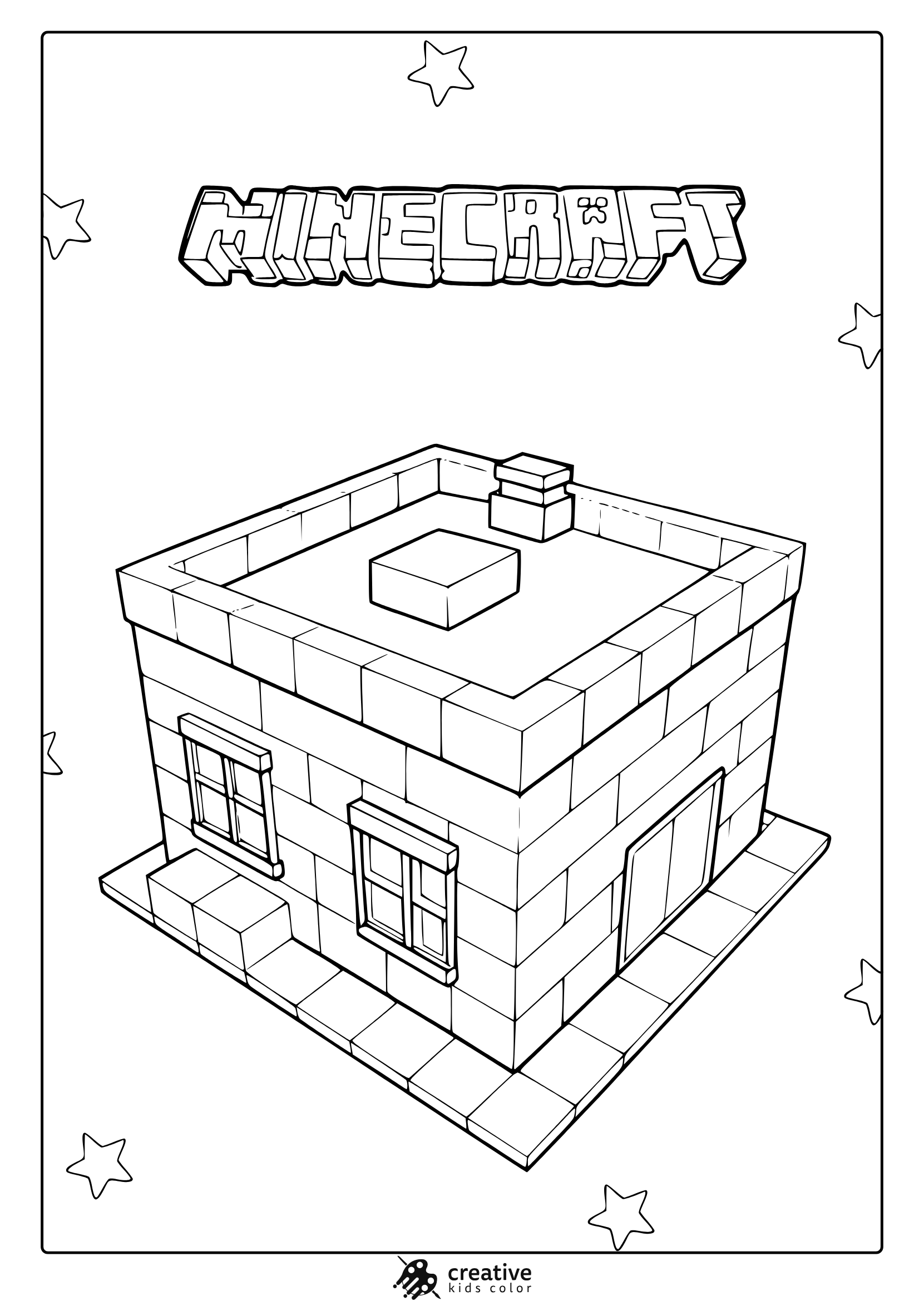
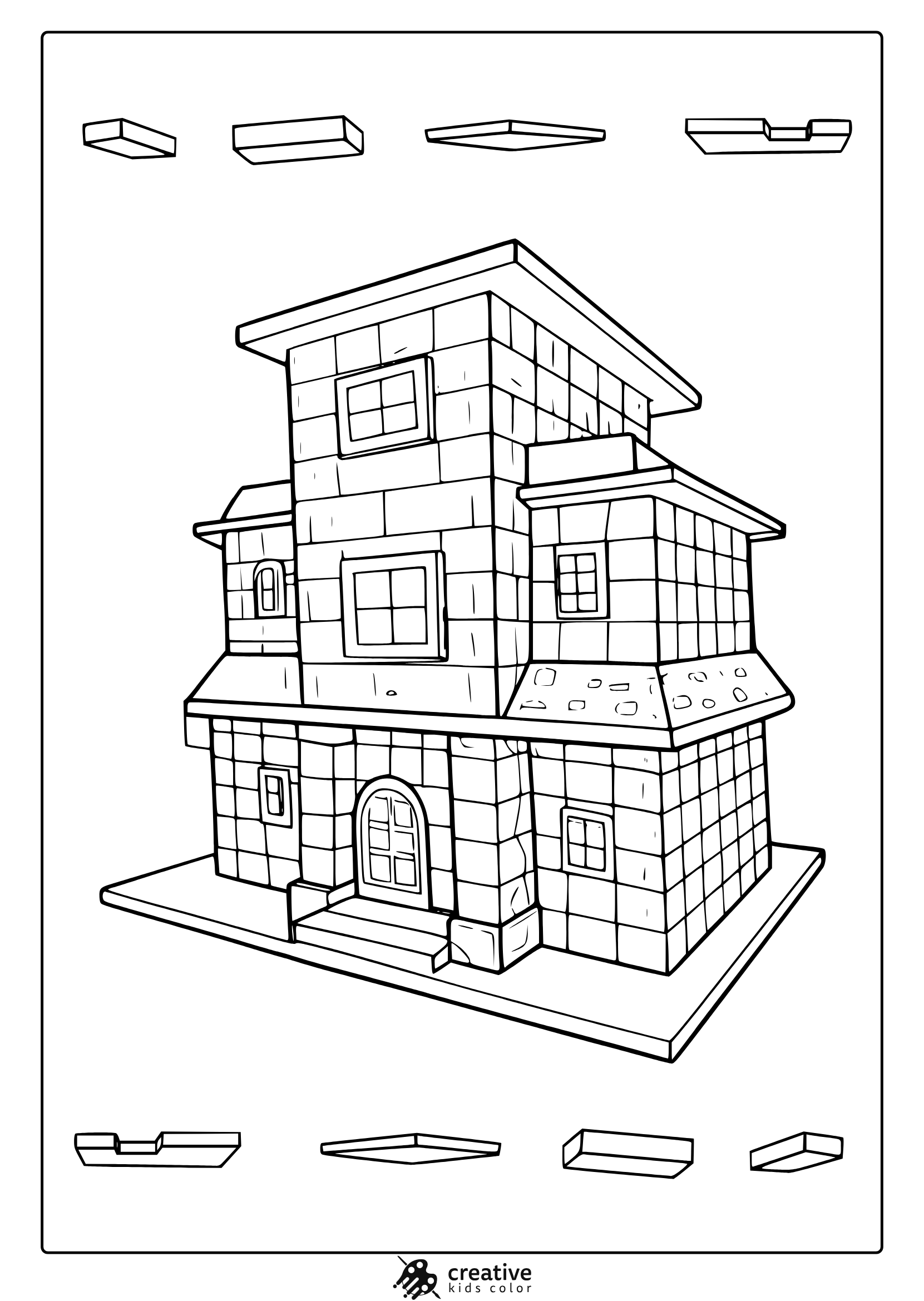
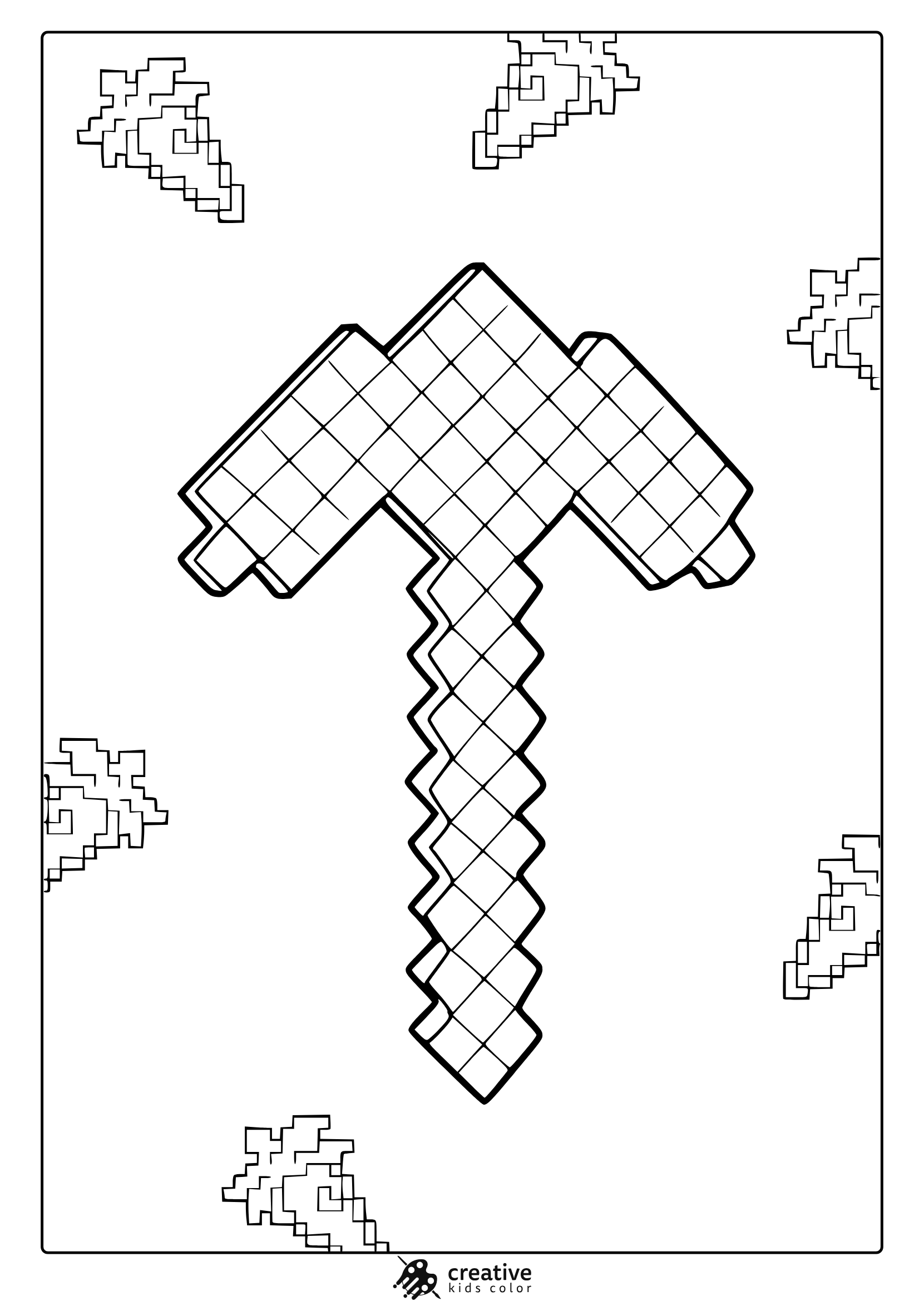
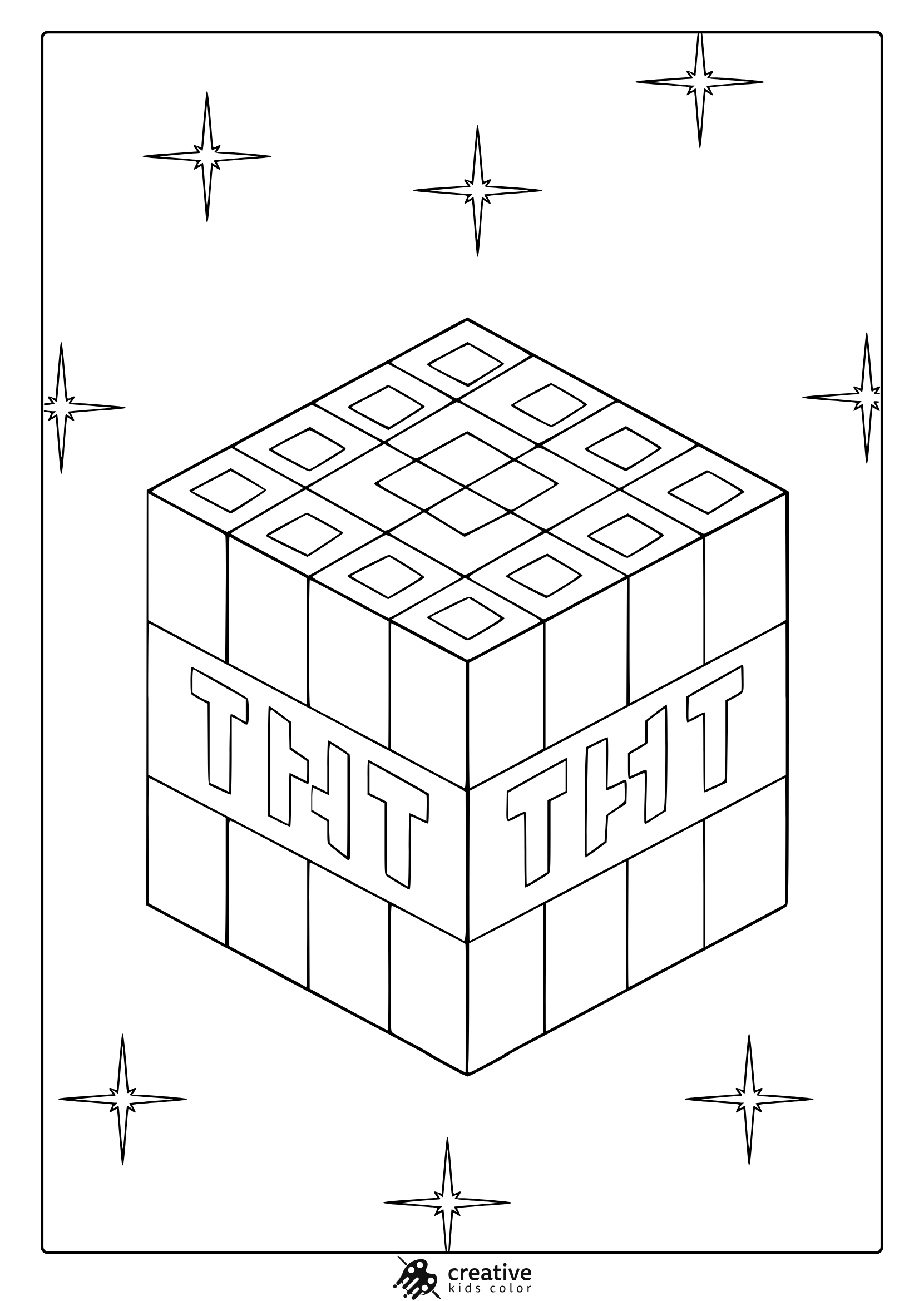
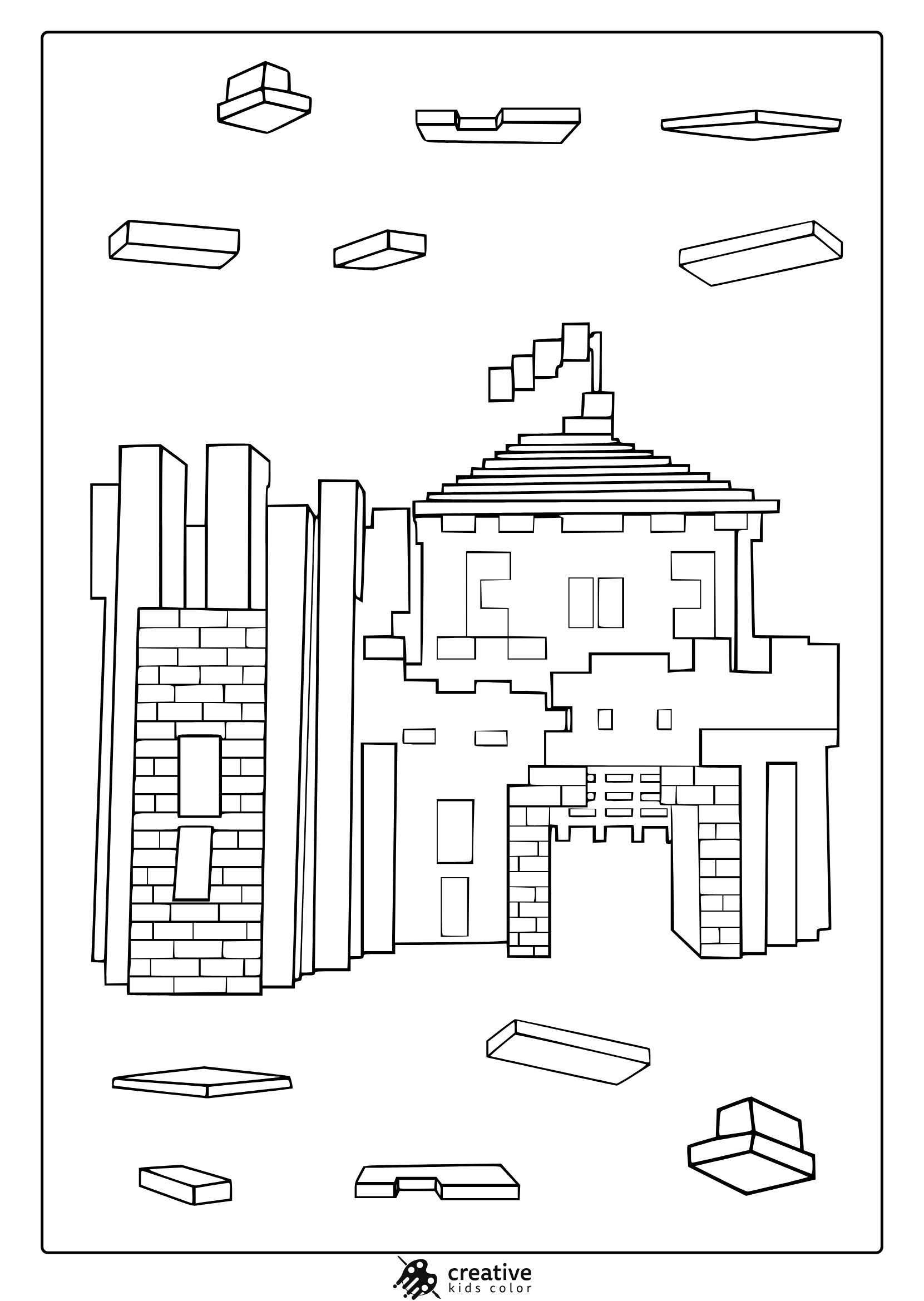
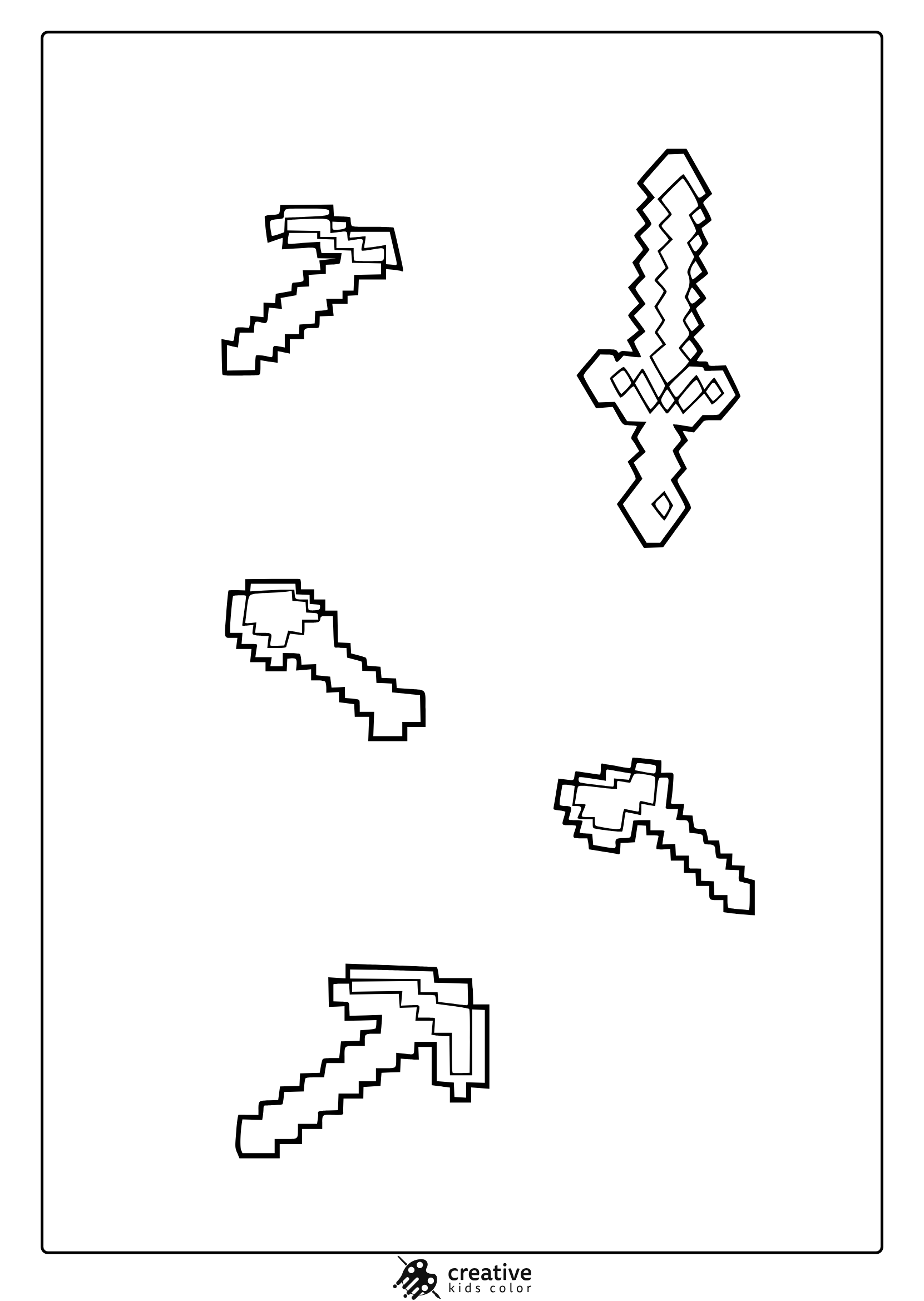
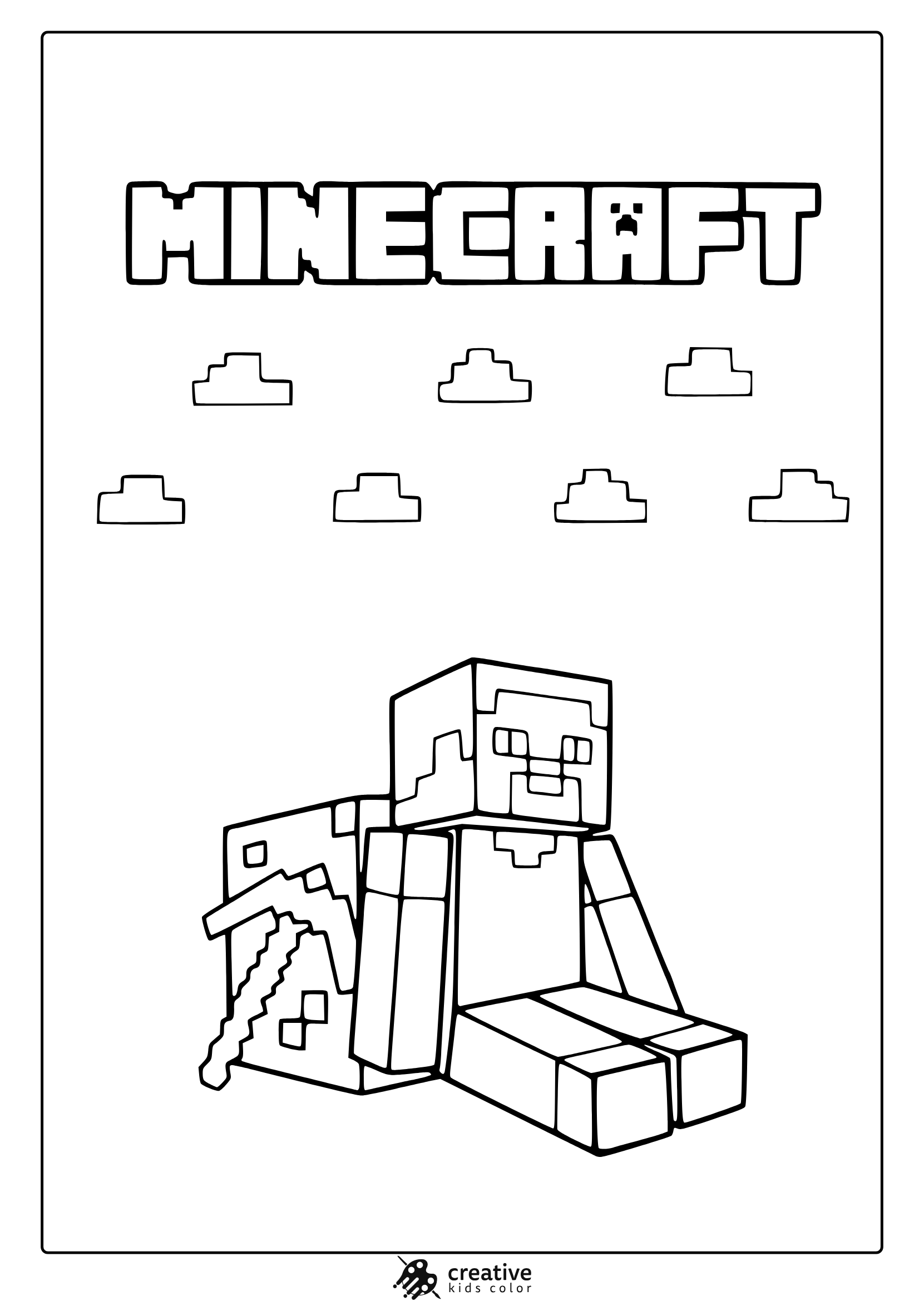
Minecraft coloring pages offer a fun and engaging way for kids to explore their creativity while interacting with the blocky world of their favorite video game. Whether they’re bringing to life beloved characters like Steve and Alex, or the iconic mobs like Creepers and Endermen, these coloring pages provide endless entertainment. Suitable for children of all ages, Minecraft coloring pages not only fuel the imagination but also help develop fine motor skills, all while keeping kids entertained!
Free Printable Minecraft Coloring Pages
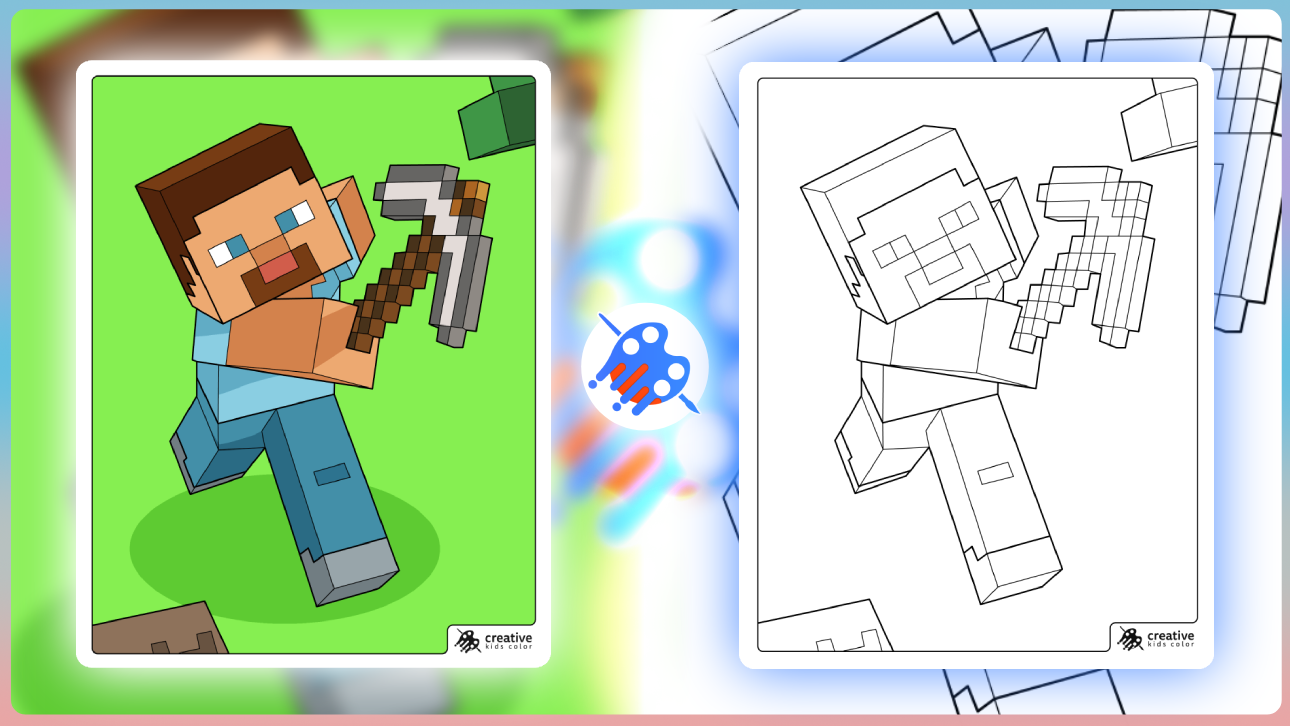
What makes Minecraft printable coloring pages so appealing is their versatility for different age groups. From younger children who are just learning to color to older kids who prefer more detailed and intricate designs, there’s a perfect page for everyone. These printable coloring pages are excellent for at-home activities, road trips, or even as an exciting classroom resource. Moreover, they allow Minecraft fans to enjoy their favorite game in a creative and screen-free way.
Free and Easy Access to Minecraft Coloring Pages
All of these Minecraft printable coloring pages are available for free and can be easily downloaded and printed at home. This means parents and teachers can quickly access these fun activities without any cost. Whether you’re looking for a quick, fun activity or something more detailed for older kids, these free coloring pages are a great way to keep children entertained while fostering their creativity.
How to Color Minecraft Characters and Mobs: Tips and Tricks
If you are printing these Minecraft coloring pages for home or the classroom, the easiest way to keep everything looking consistent is to pick a small palette and reuse it across the set. Minecraft designs already have clean, blocky shapes, so simple color choices usually look the most accurate.
Colored pencils work well when kids want softer transitions, crayons are great for filling big blocks quickly, and markers look neat when children color in one direction and leave tiny highlights uncolored.
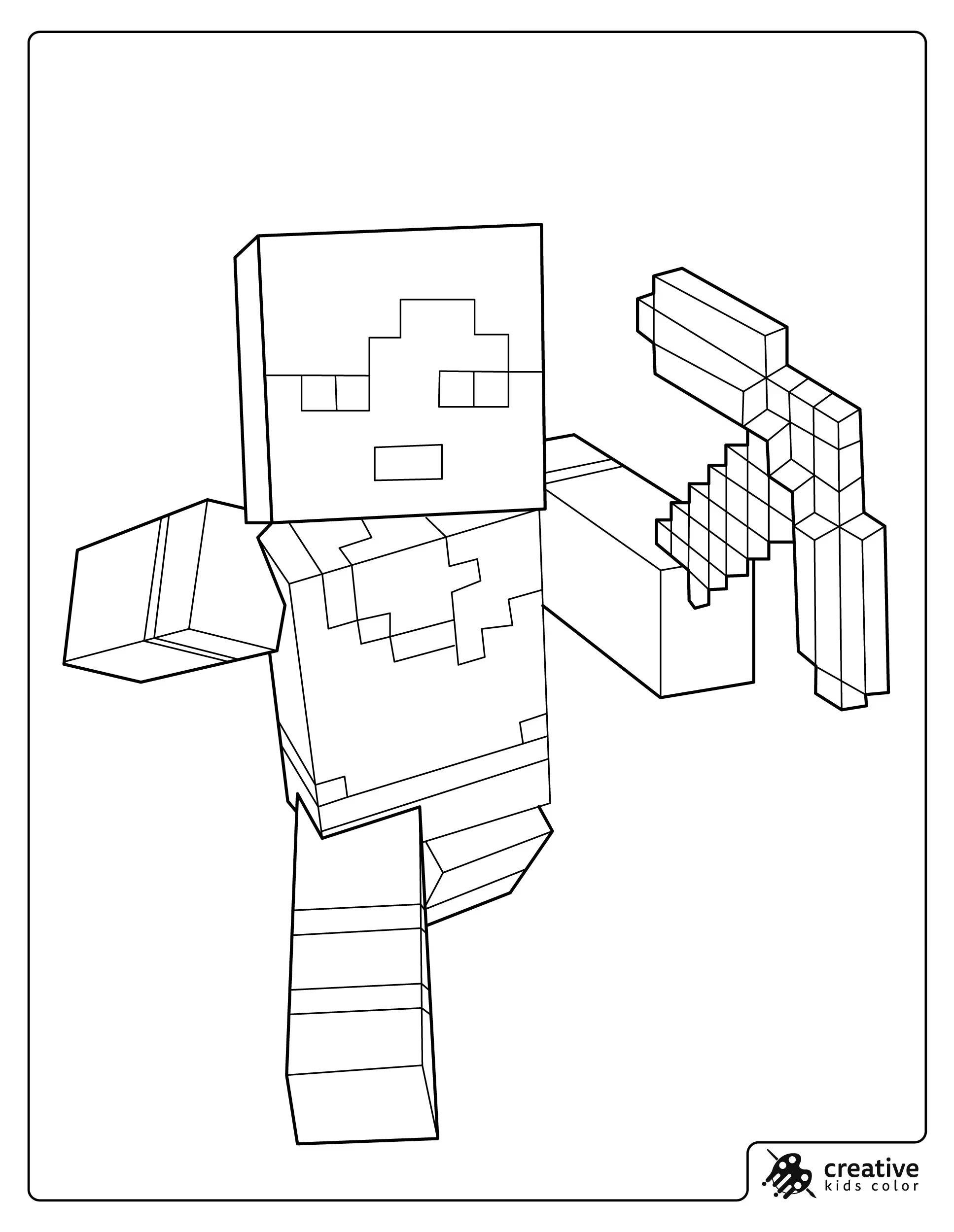
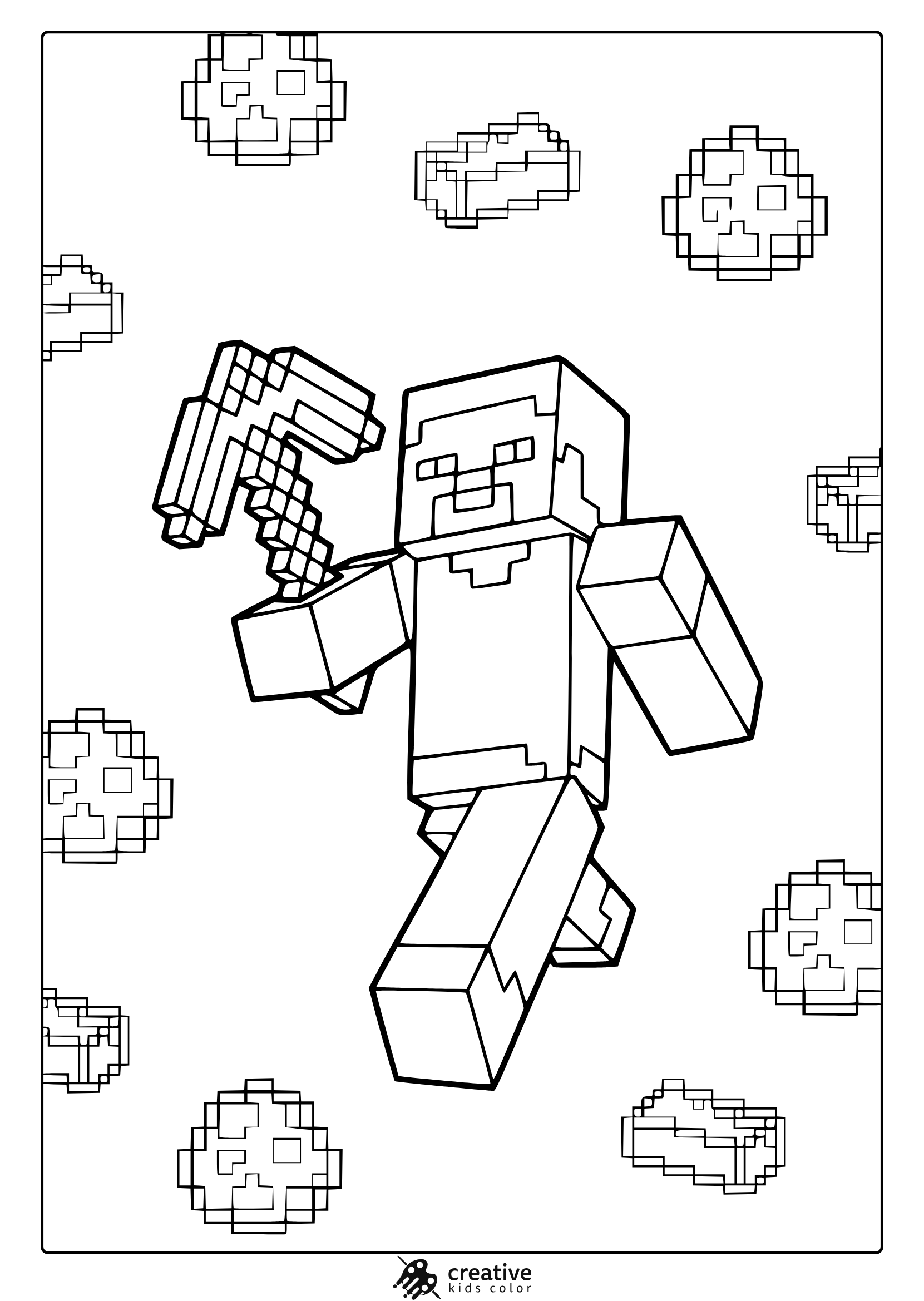
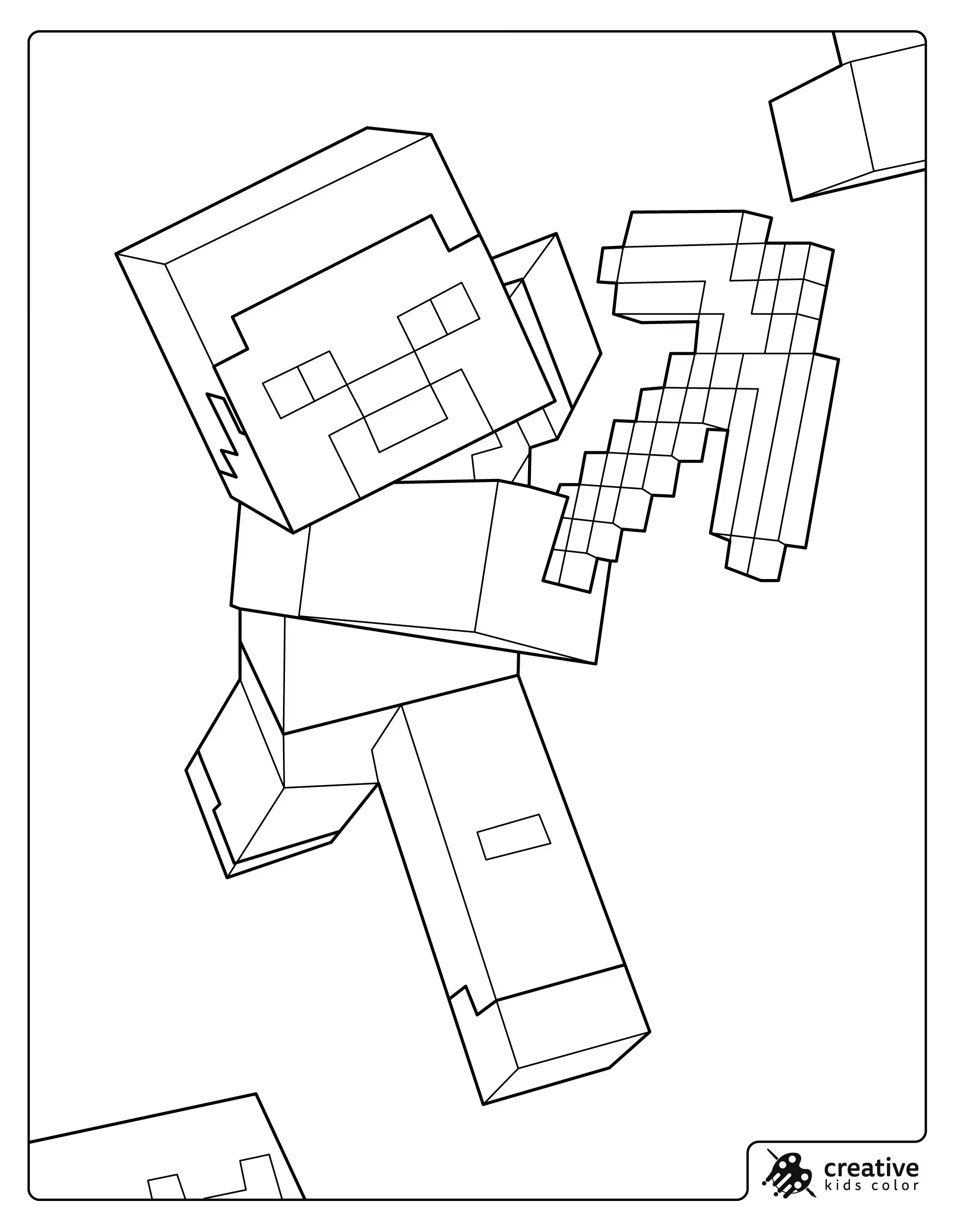
Steve
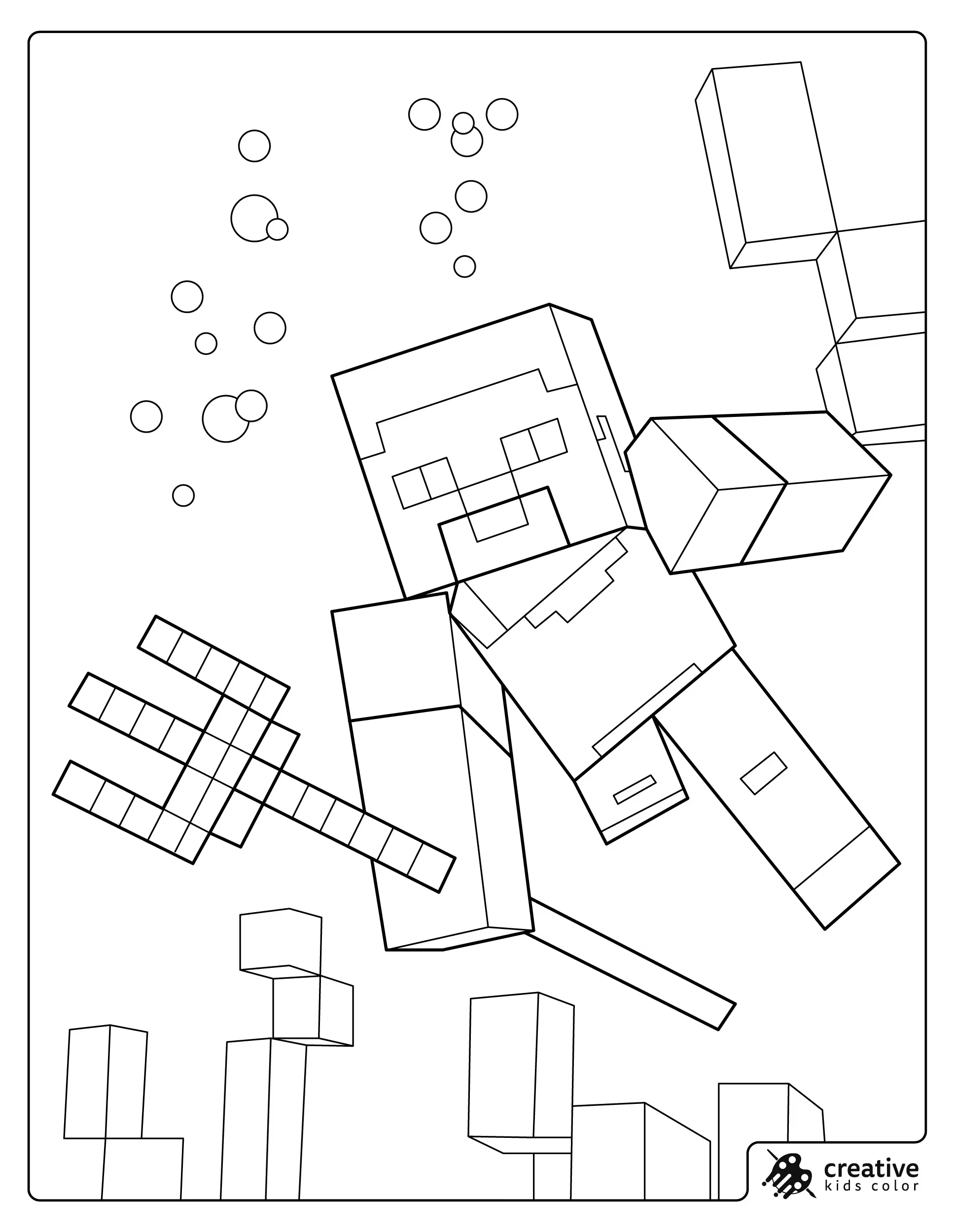
Steve is easiest with a light blue shirt, purple pants, medium brown hair, and a warm tan skin tone. If the page includes gear, keep tools in a simple gray and save bright colors for rare items like diamonds.
With pencils, add a slightly darker layer along the edges of the shirt and pants to give quick depth without heavy shading. With markers, outline the clothing blocks first and fill them in slowly so the corners stay crisp.
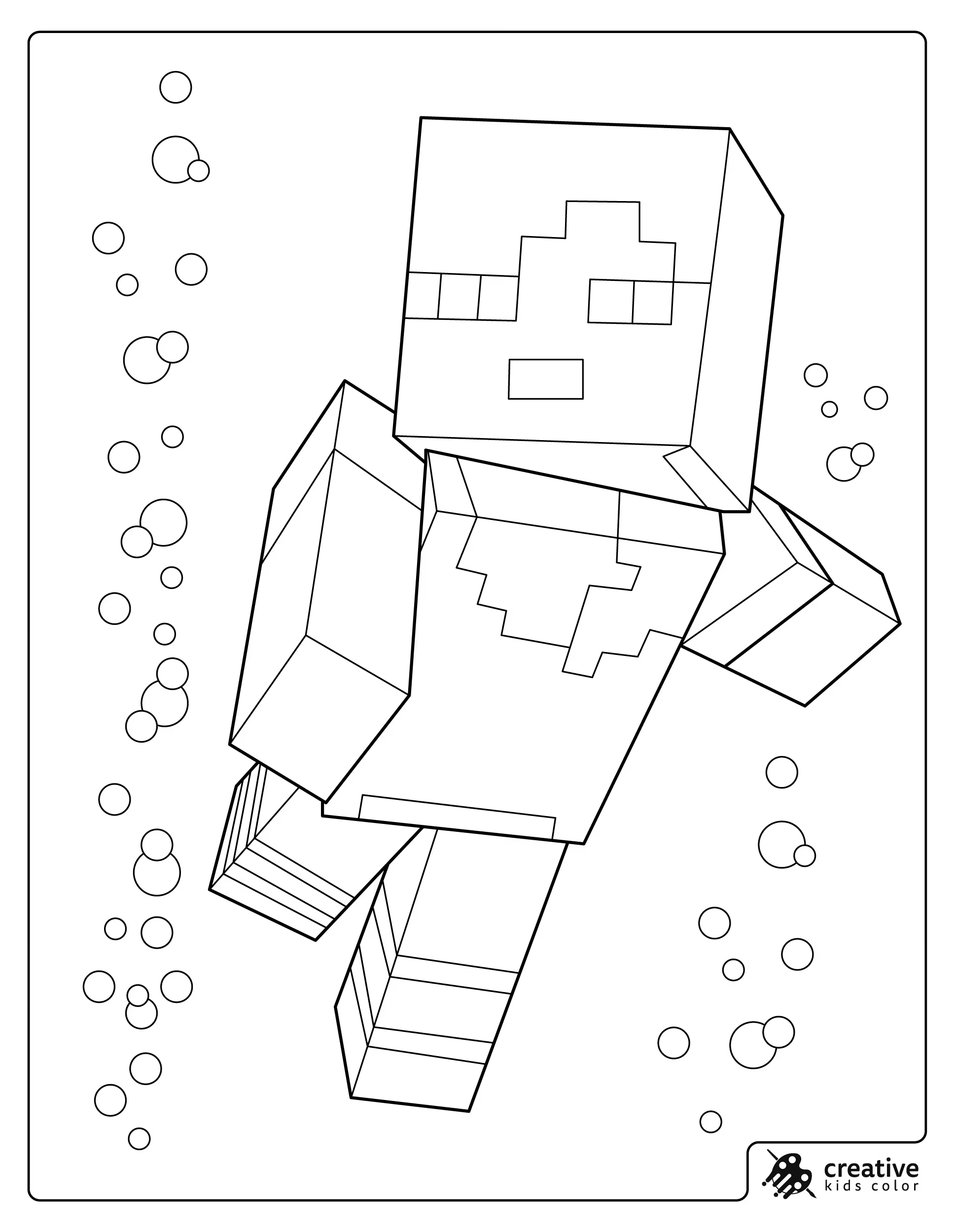
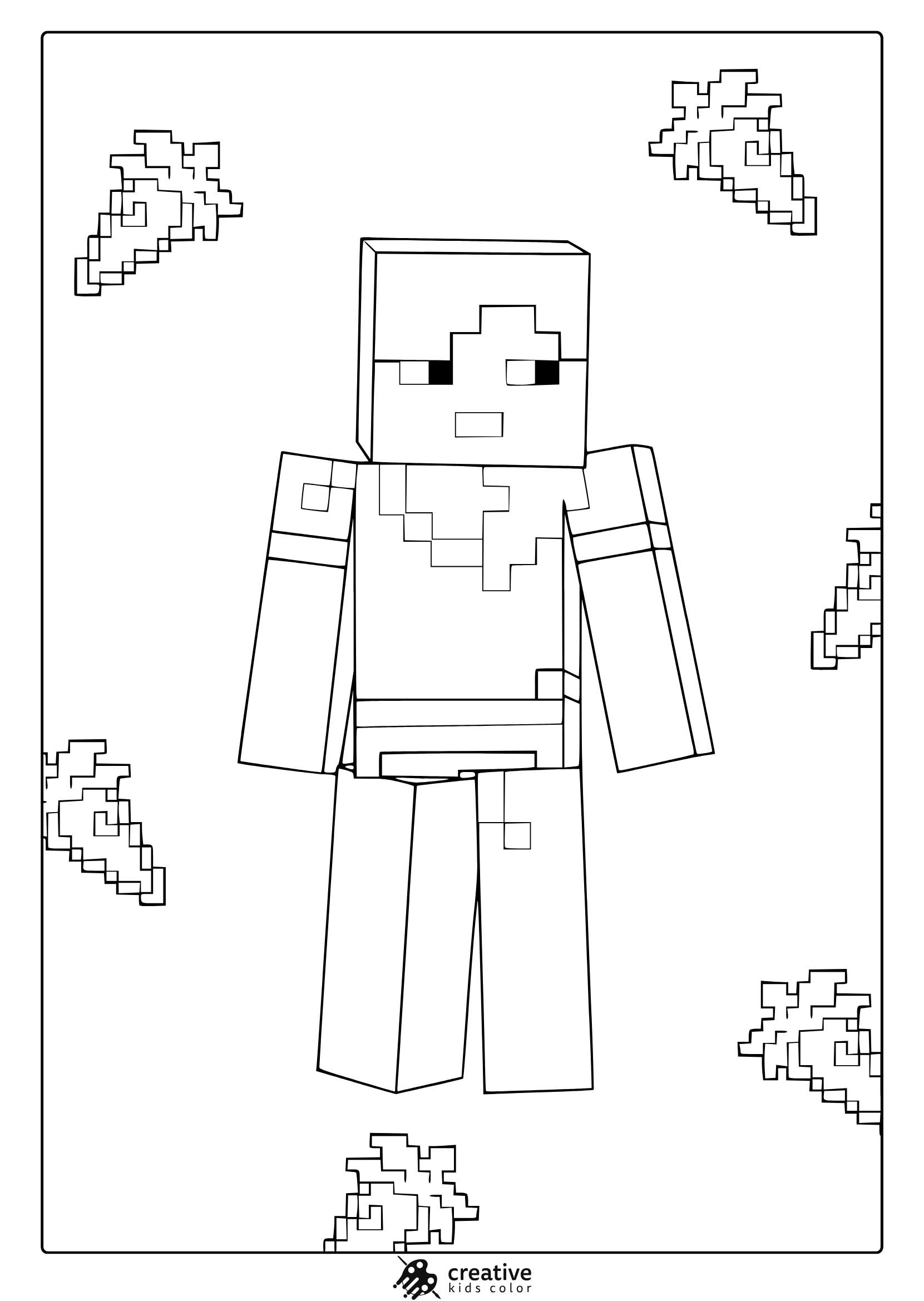
Alex
Alex usually looks most recognizable with orange hair and green clothing, plus a light skin tone. If she is underwater or in motion, keep the outfit colors simple so the scene does not start feeling busy.
With colored pencils, start with the lightest tones and build up the hair in small layers so it stays bright. With crayons, fill the large hair block first, then do the smaller face details last for cleaner edges.
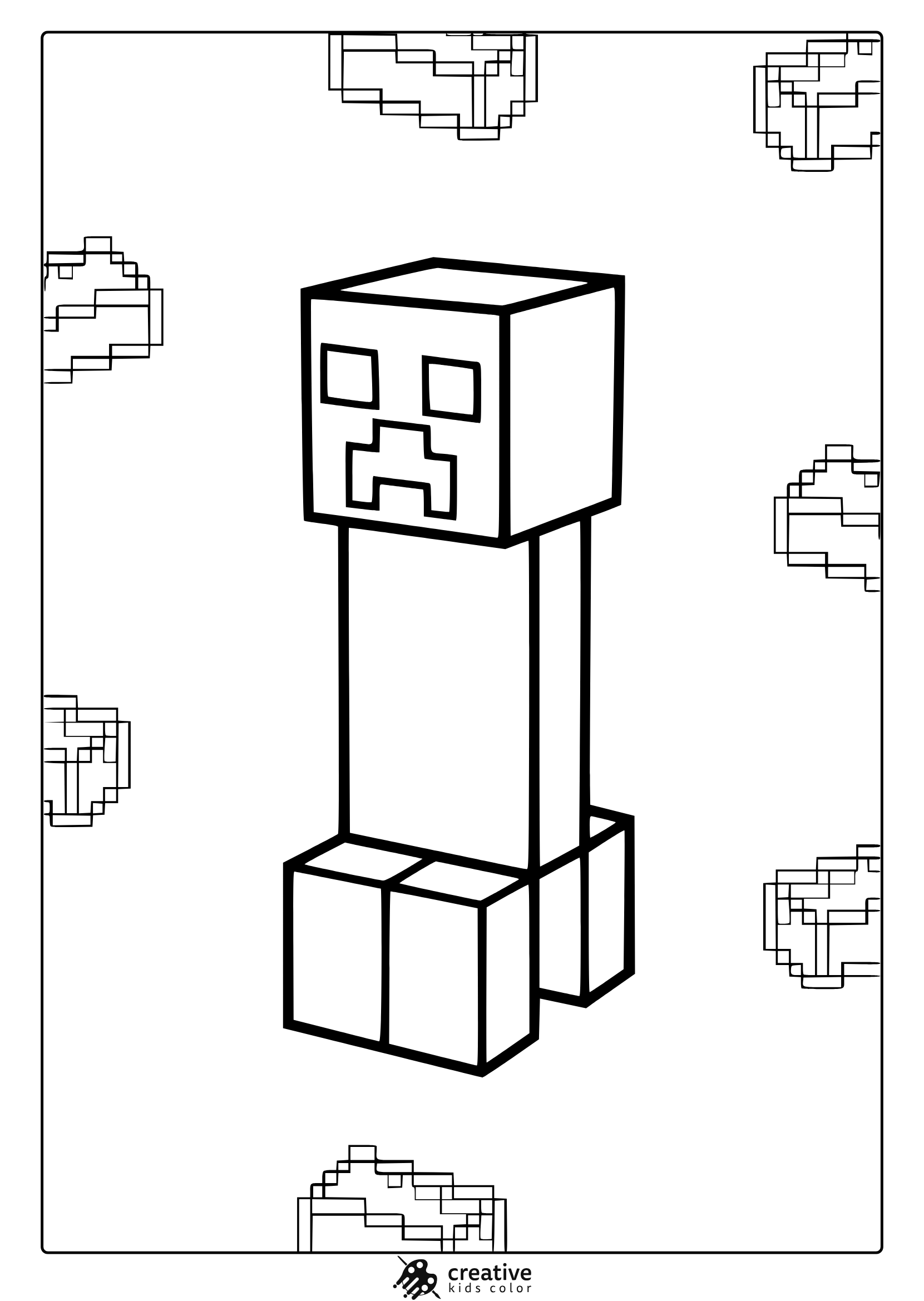
Creeper
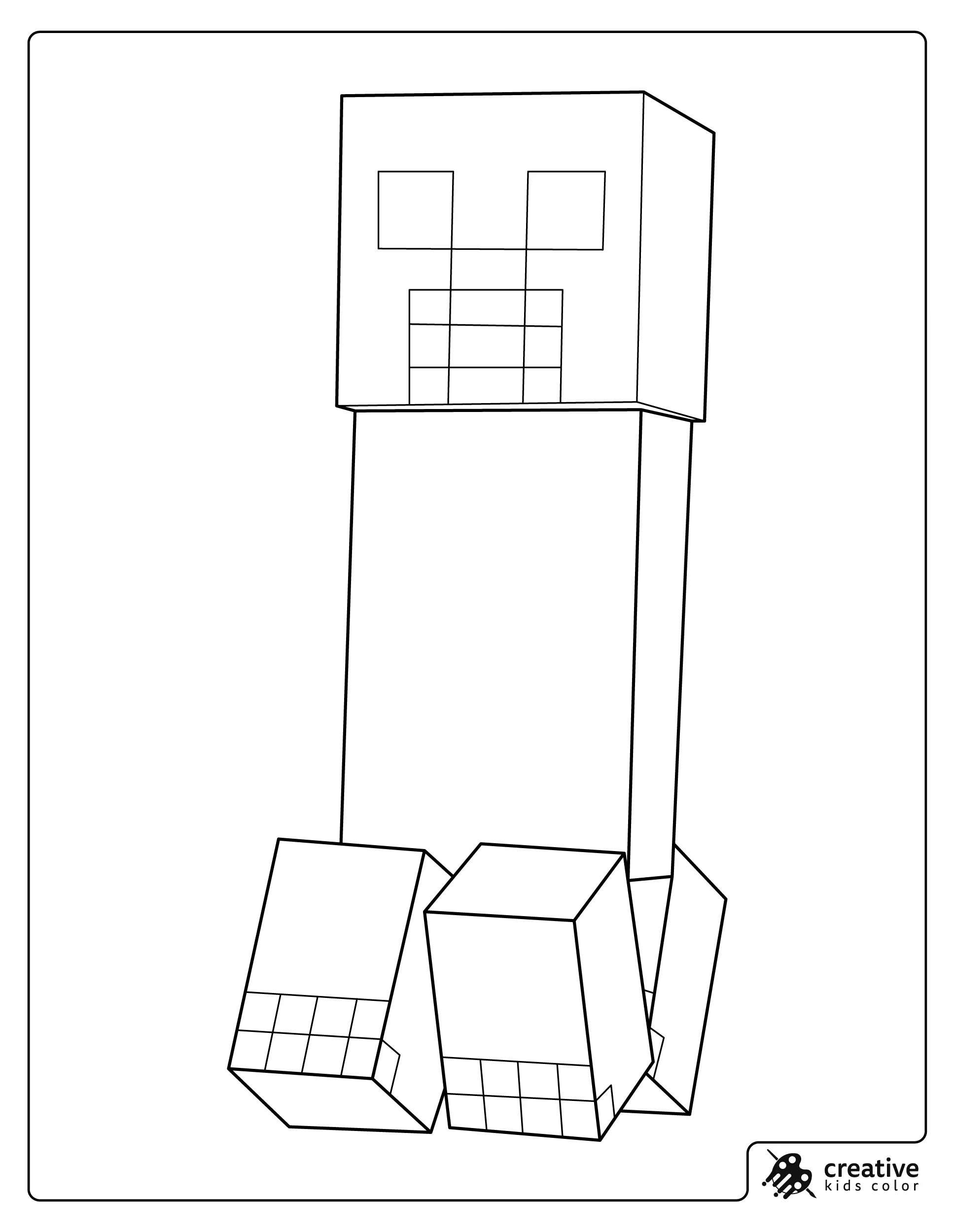
Creepers look best with one main green and a darker green for the square patches. If kids want extra detail, a tiny bit of gray around the feet can hint at shadow without changing the classic look.
With markers, use the lighter green first and add the darker squares after it dries so the patches stay sharp. With pencils, you can lightly shade the bottom edge with the darker green to suggest the block shape.
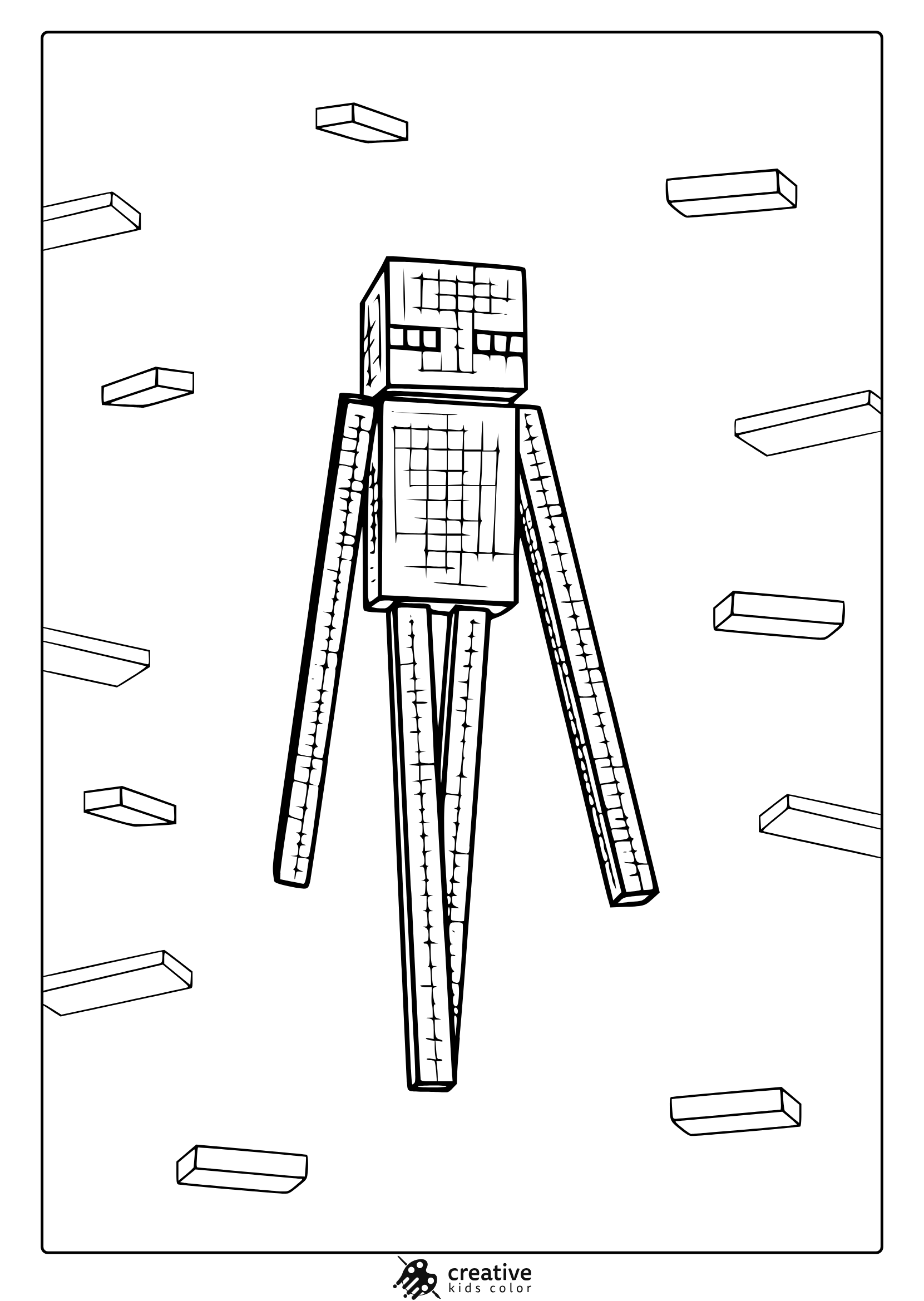
Enderman
Endermen are mostly black, but a deep charcoal or dark gray often looks nicer on paper than pure black. The eyes are the important part, so keeping them bright purple helps the character read instantly.
With crayons, a lighter pressure on the dark body keeps it from looking shiny and streaky. With markers, color the eyes first and then carefully fill around them so they stay clean.
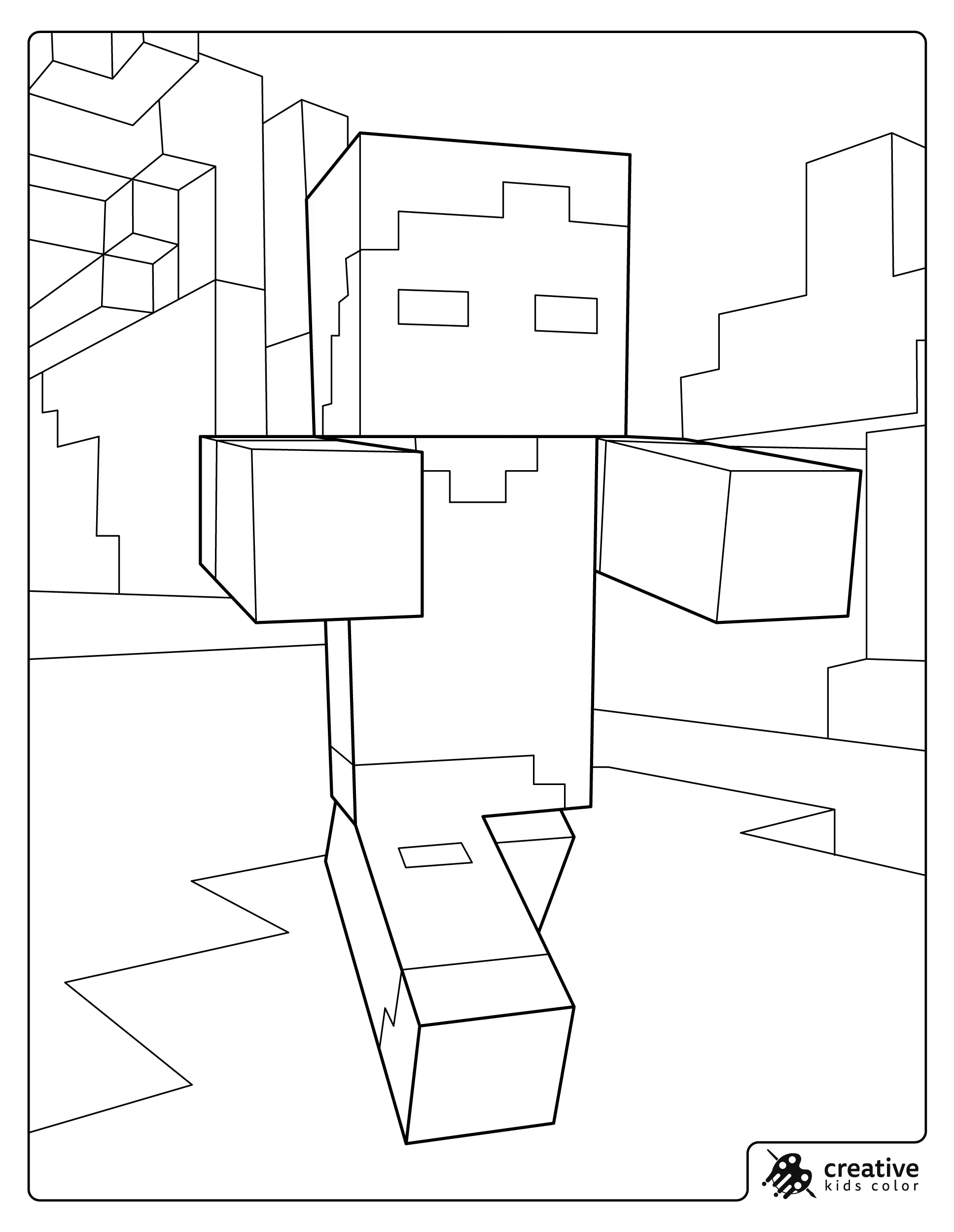
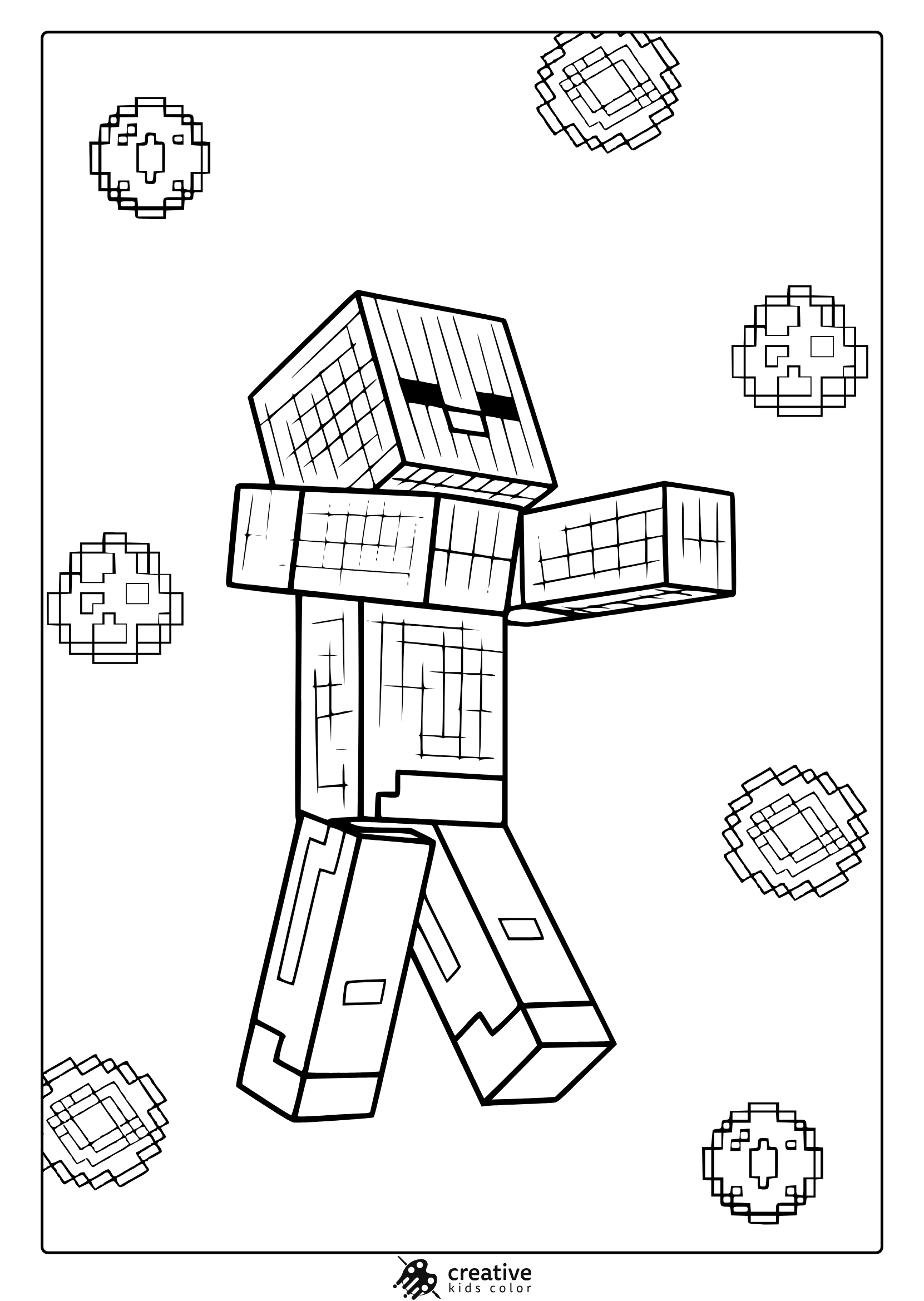
Zombie
A Minecraft zombie is easy to color with a green skin tone, a blue shirt, and purple pants. If the scene is in a cave, using two grays for the blocks makes the character pop without extra colors.
With pencils, add a darker green only along the outer edges of arms and head for quick depth. With markers, keep the green even and avoid layering too much so it does not turn muddy.
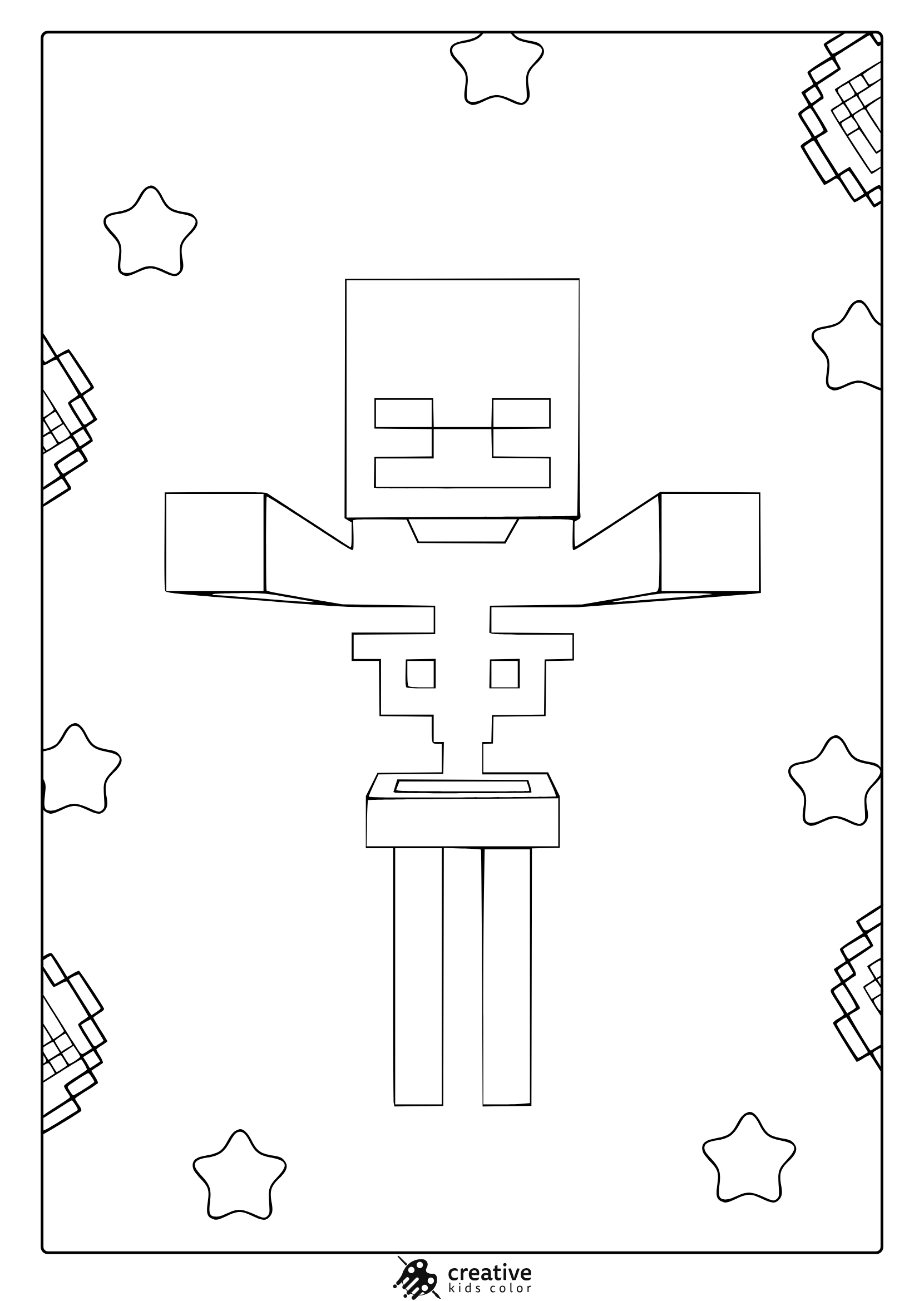
Skeleton
Skeletons look cleanest when you keep them mostly white or very light gray, then add a medium gray for the inner shapes and shadows. If a bow or background elements appear, one warm accent color can balance all the cool tones.
With colored pencils, a light gray pass around joints and edges is usually enough. With markers, use light gray instead of black for outlines so the skeleton stays bright and readable.
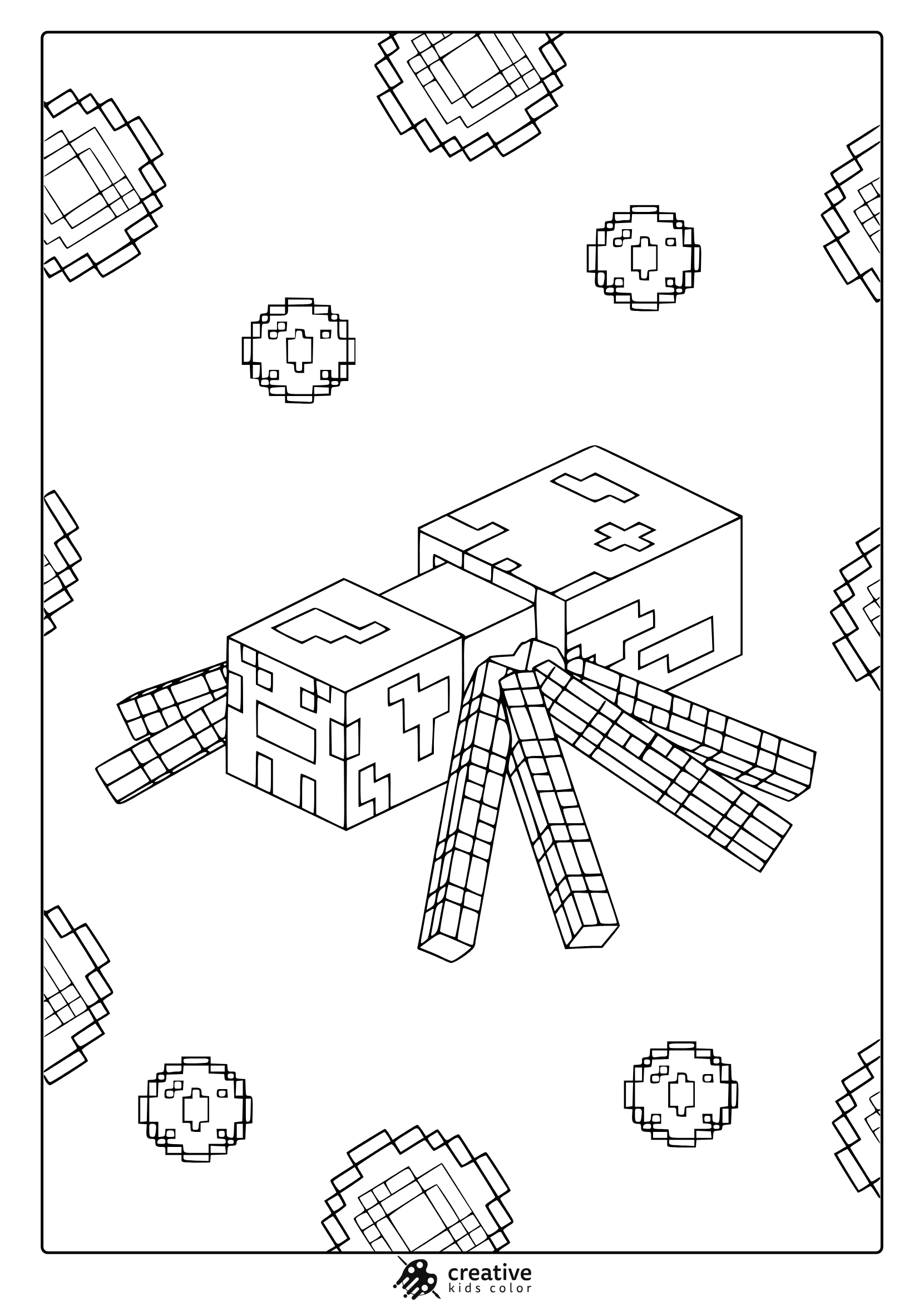
Spider
Minecraft spiders are most recognizable with a deep red brown body and darker legs, plus small bright eyes. Keeping the legs slightly darker than the body makes the blocky shape easier to see.
With crayons, fill the body first, then do the legs so kids do not accidentally smear the darker sections into the main shape. With pencils, add a second layer on the legs to make them stand out without needing extra colors.
Blaze
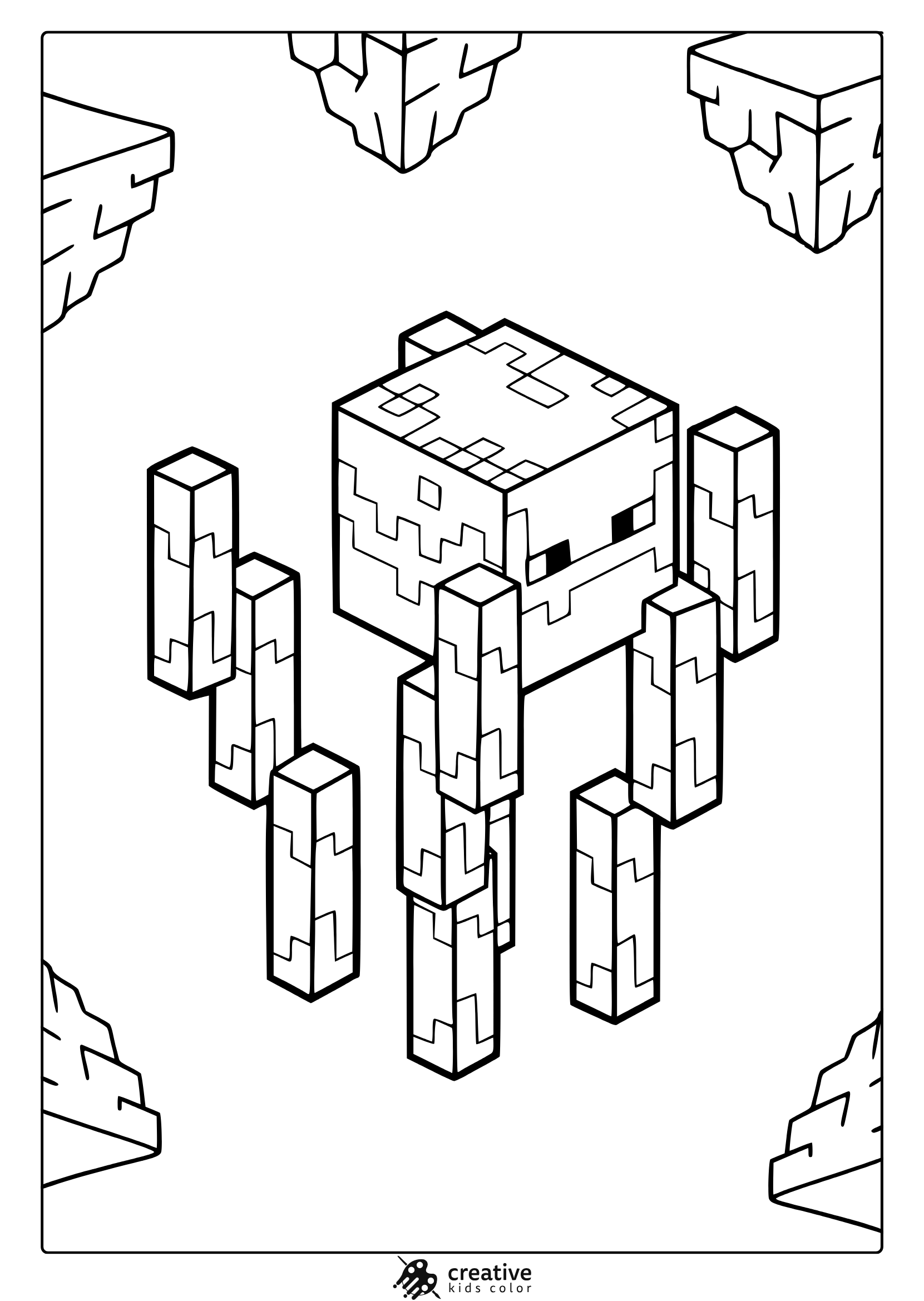
A Blaze looks great with strong yellows and oranges, and a darker orange can be used for the floating rods and shaded sides. If the background has stone pillars, keep them simple in gray so the Blaze stays the focus.
With markers, start with yellow and add orange after the first layer dries so the glow effect looks cleaner. With pencils, using a light yellow base and a soft orange edge makes the Blaze feel bright without heavy shading.
Warden
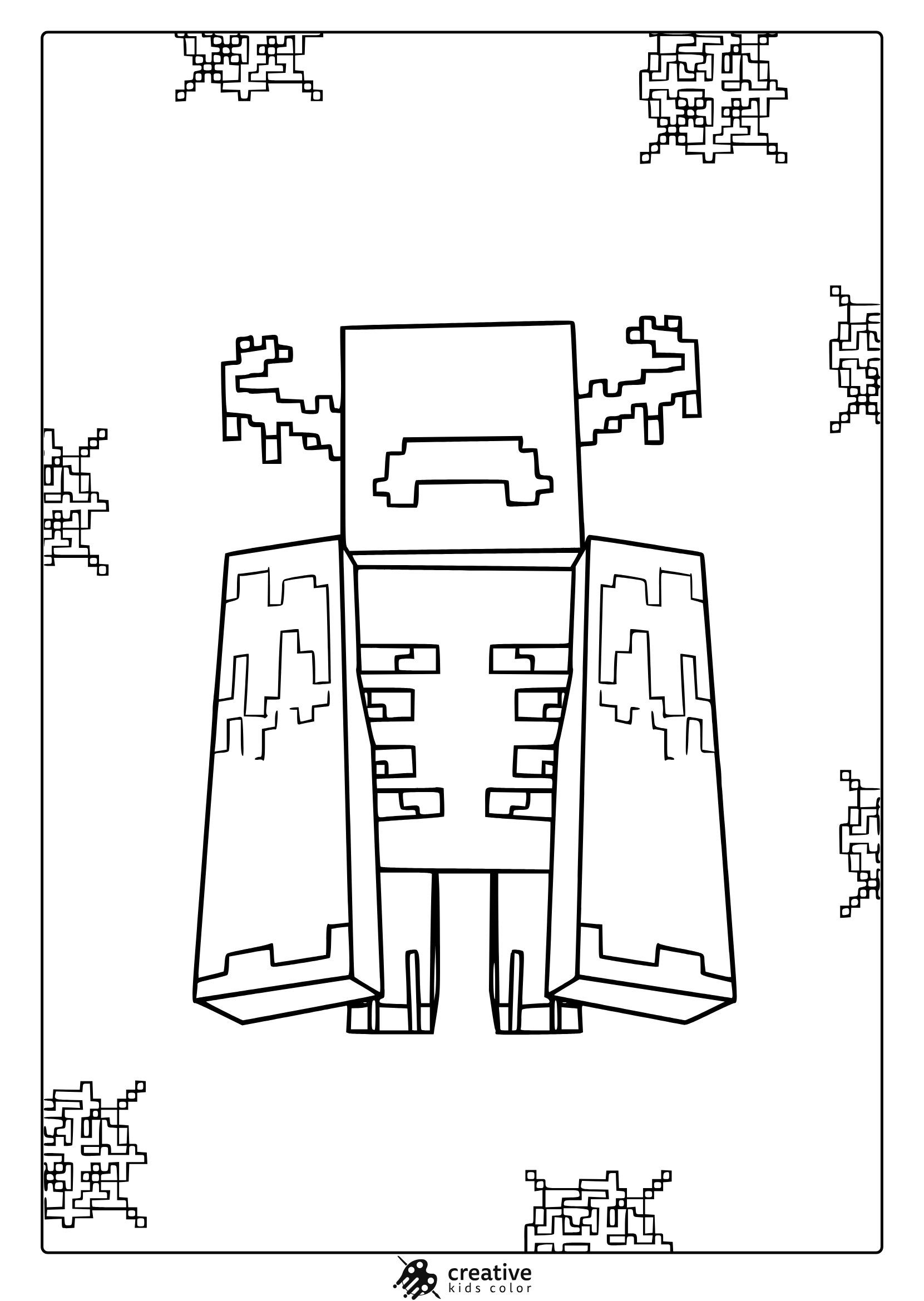
The Warden works best with deep teal, dark blue green, and a few lighter teal highlights so it does not become one dark block. If kids want the glow look, keeping the chest area lighter is the easiest trick.
With colored pencils, build the dark areas slowly and leave small light spaces for highlights. With markers, use a dark teal for the main shape and add a lighter teal in the center areas before it fully dries for a softer blend.
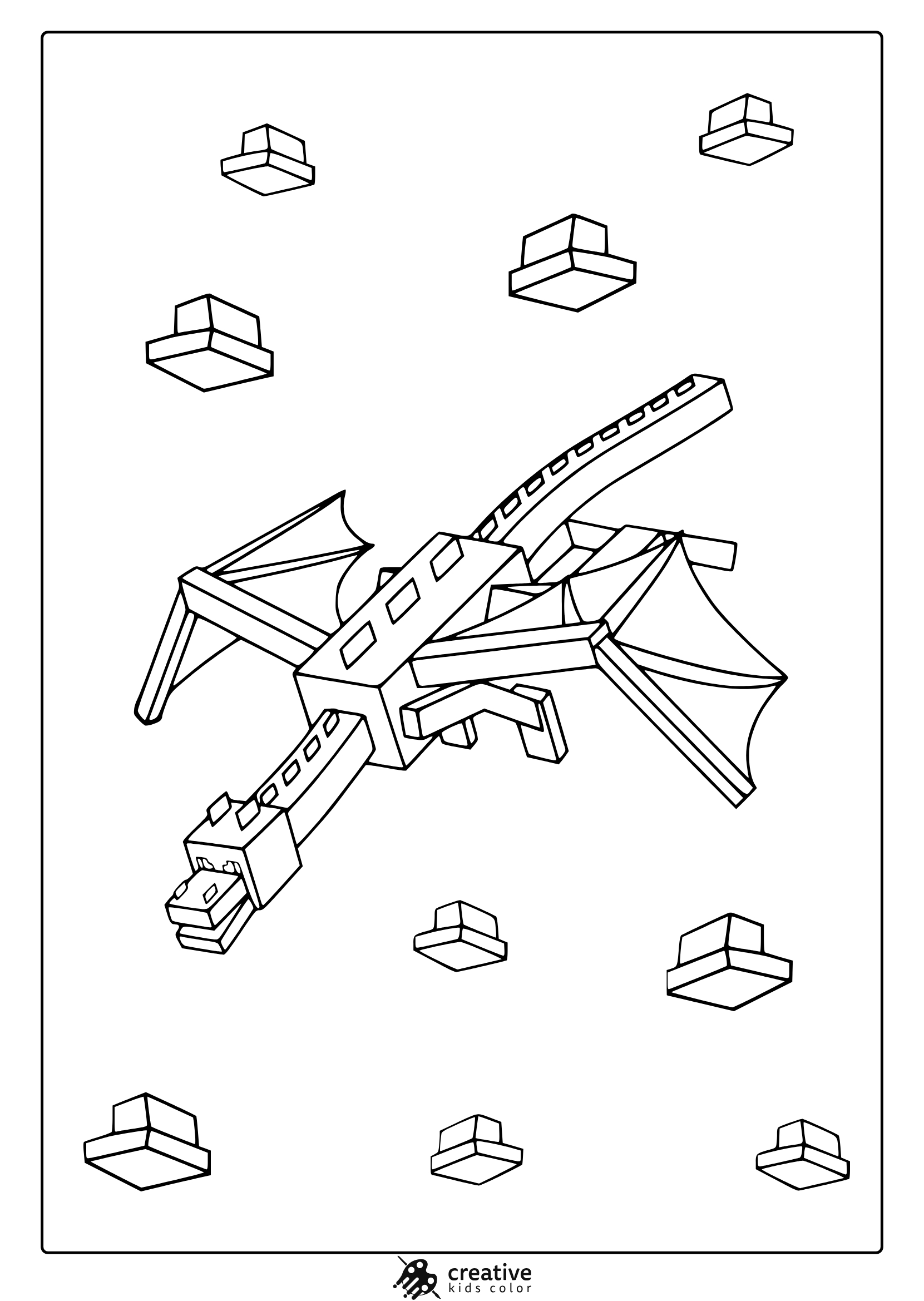
Ender Dragon
The Ender Dragon looks best with near black tones plus purple accents, especially on the eyes and any end themed details. If the page has floating blocks, using cool grays keeps the scene dramatic without adding clutter.
With pencils, dark gray layered over black areas can make the dragon look smoother than filling everything with a single heavy color. With markers, leave tiny uncolored highlights on edges to suggest shiny scales.
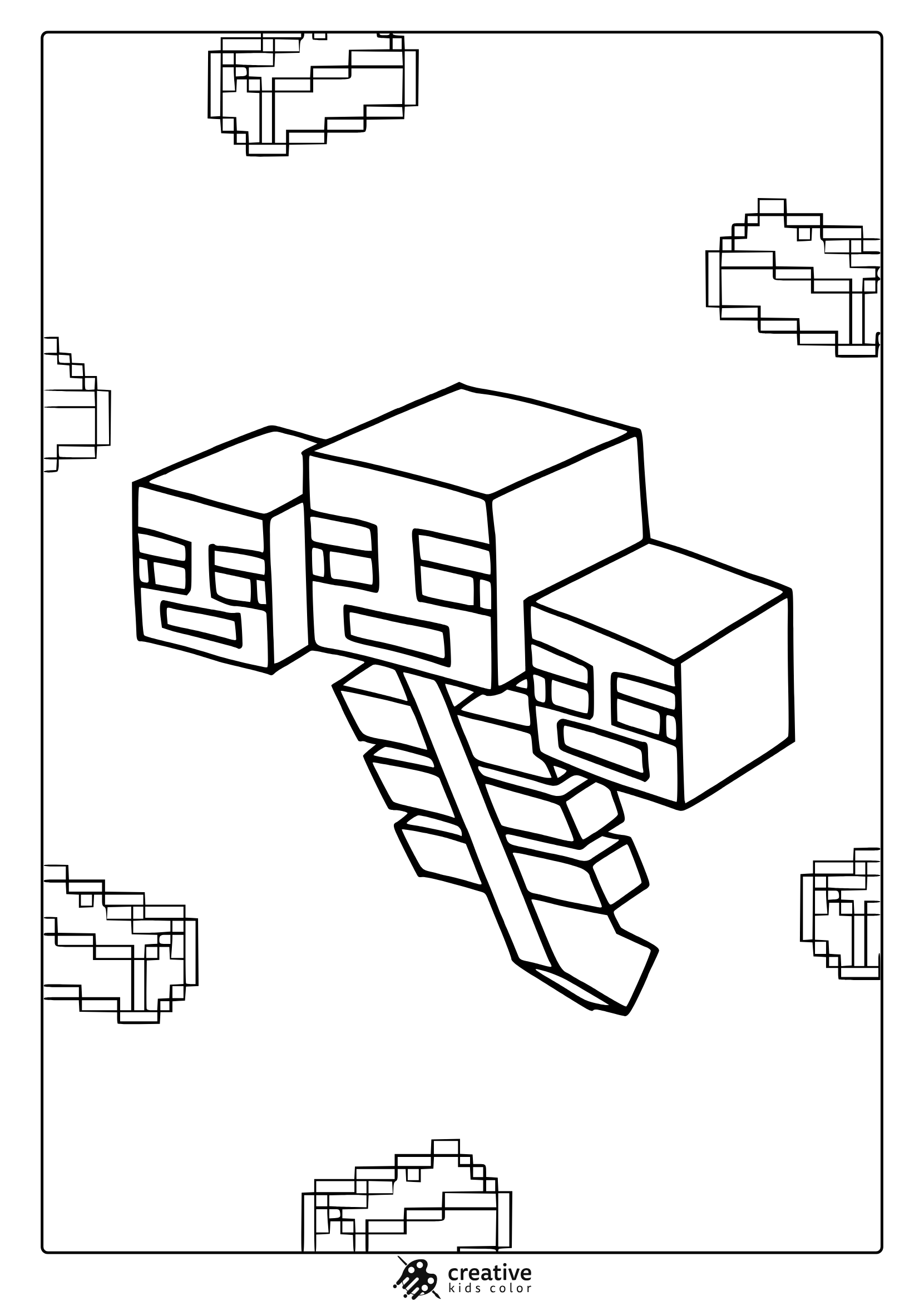
Wither
The Wither is clearest with dark grays rather than pure black, and a lighter gray helps separate the heads and body shapes. Keeping the background simple makes the character feel more readable and less messy.
With crayons, start with the light gray base and then add the darker gray on the outer edges. With markers, outline the head shapes first so the three head design stays easy to recognize.
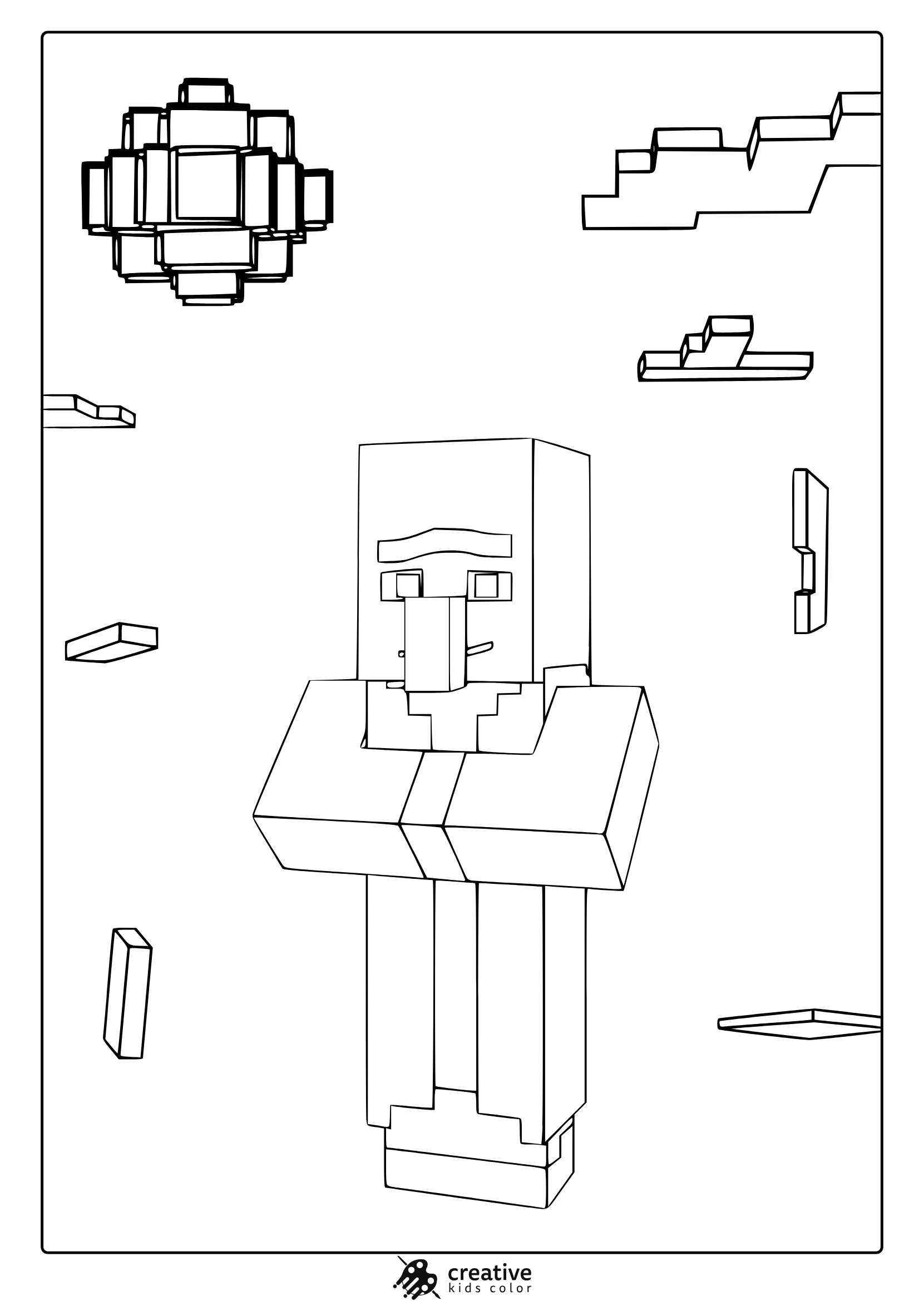
Villager
Villagers look great with warm browns and tans, plus a simple robe color like muted green or beige. The face details are small, so keeping the nose and eyebrows clear makes a big difference.
With pencils, use a light tan base for the face and deepen the edges around the nose with a slightly darker brown. With markers, let the skin tone dry before coloring the robe so the edges do not bleed.
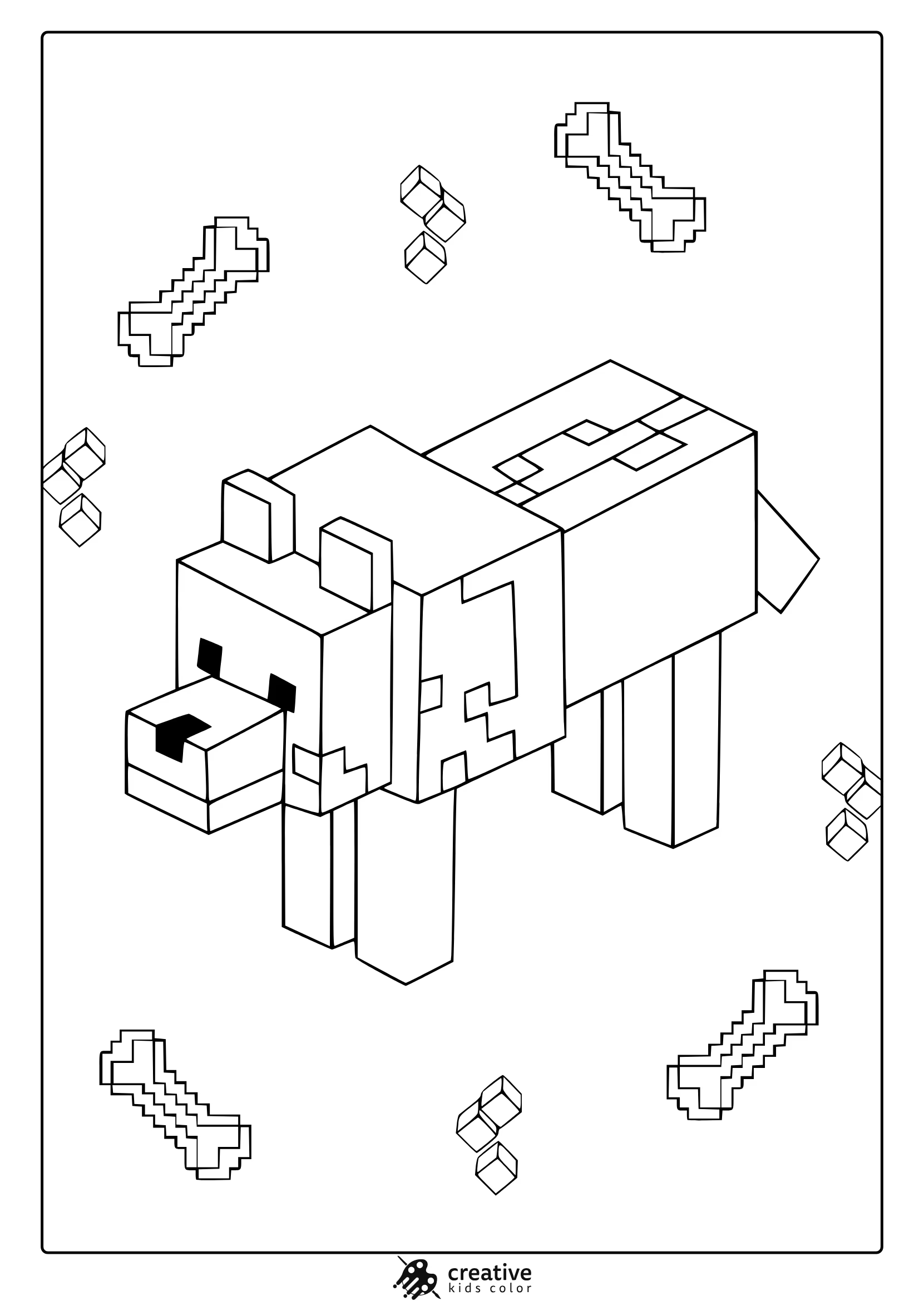
Wolf
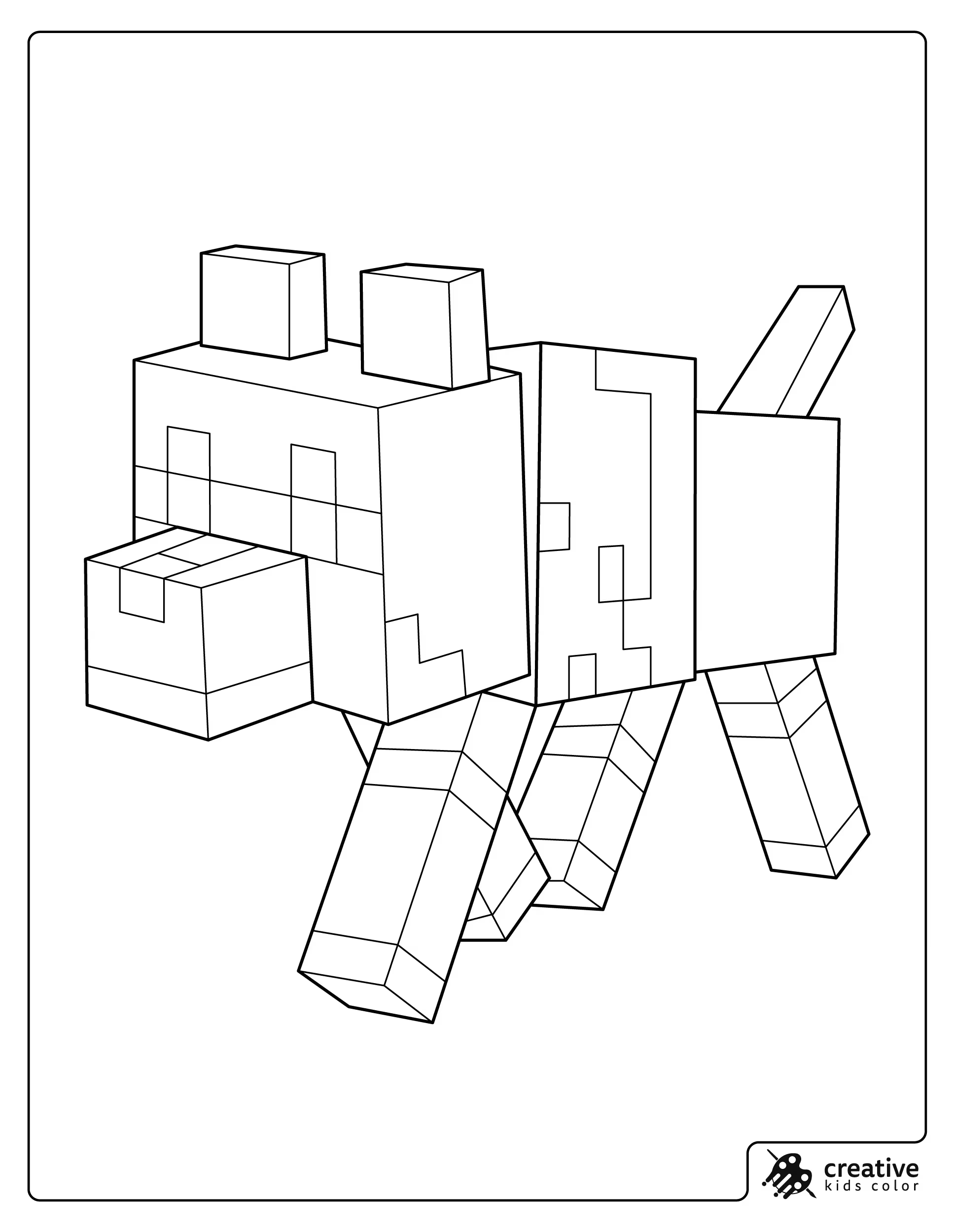
Wolves are easiest with light gray fur, darker gray accents on the ears and back, and a small red collar detail if it is a tamed wolf. Keeping the body mostly light helps it stand out from stone backgrounds.
With crayons, color the fur lightly first and add the darker gray at the end so it stays clean. With pencils, a soft darker line under the belly suggests shadow without changing the simple Minecraft style.
Dog
If the page calls it a dog, treating it like a tamed wolf keeps it recognizable, light gray body, darker gray ears, and a red collar. If kids want a fun twist, the collar can match another repeated accent color used elsewhere on the page.
With markers, color the collar last so the red stays bright and does not smear into the lighter fur. With crayons, outline the collar shape first and then fill it in for a cleaner edge.
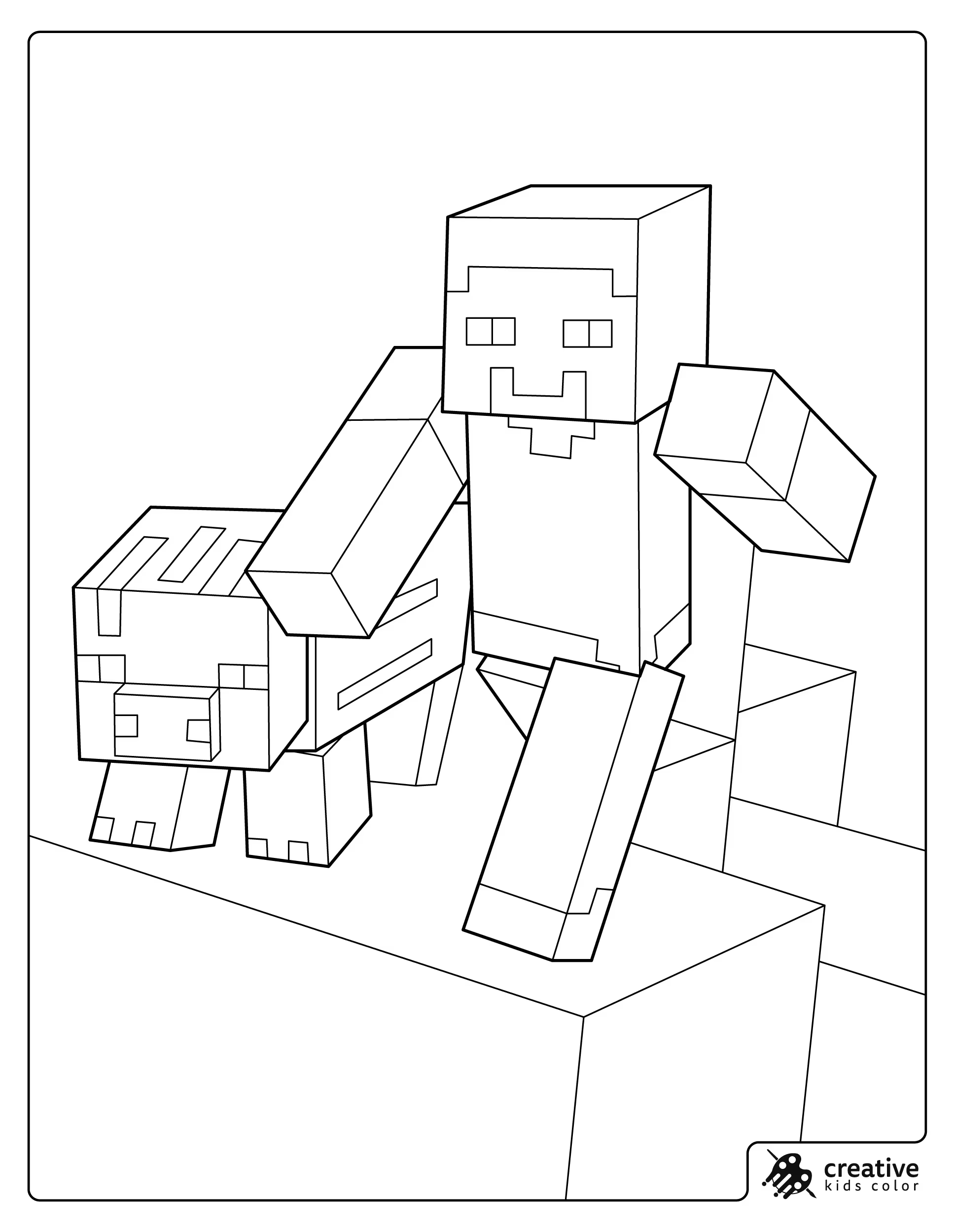
Pig
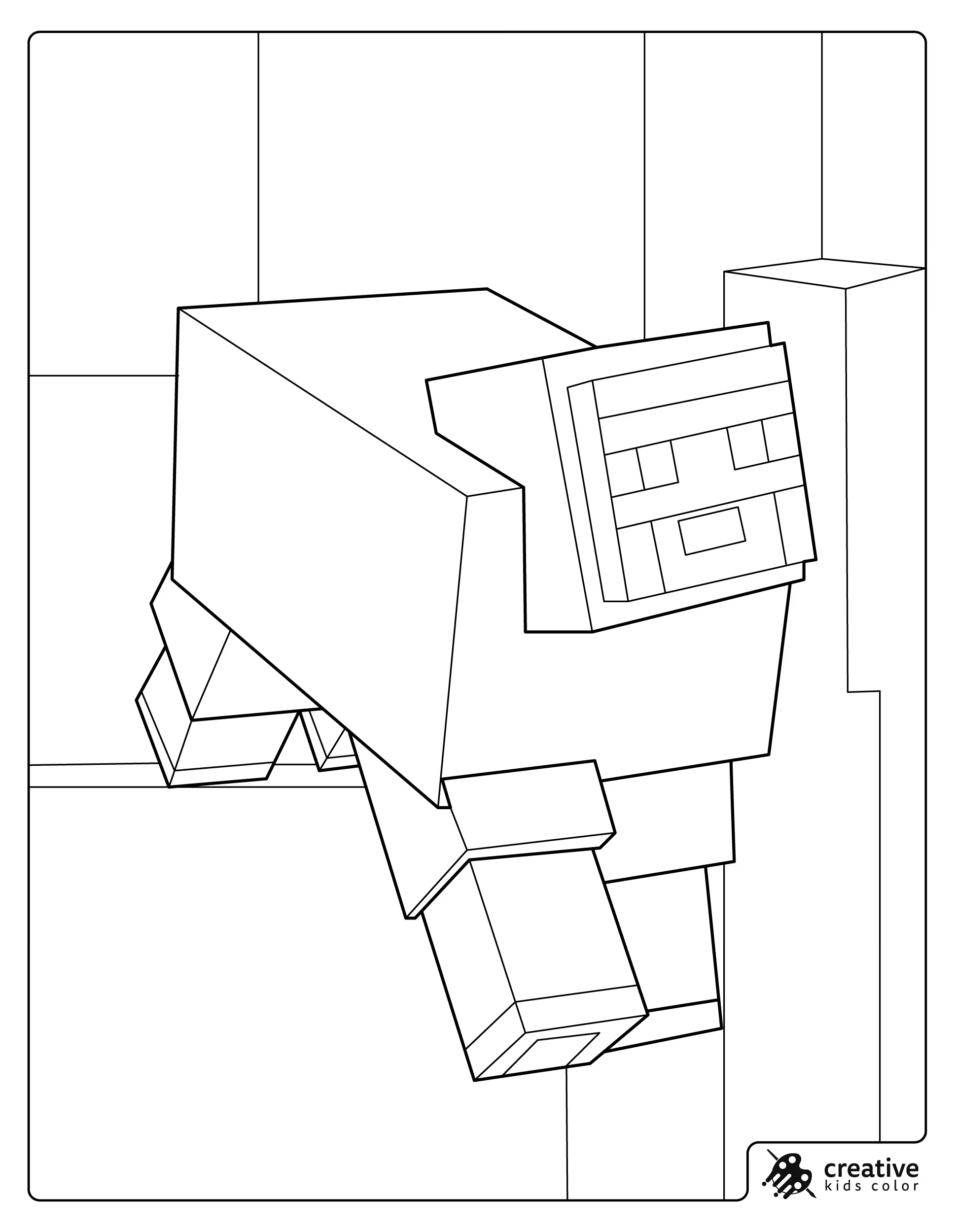
Minecraft pigs are simple and cute with a light pink base and a slightly darker pink for the snout and small shading. If the scene includes Steve, keeping the pig a lighter pink helps it pop next to the stronger clothing colors.
With pencils, a gentle darker pink pass along the bottom edge gives the pig a little shape. With markers, avoid layering too much on pink areas so the color stays smooth.
Sheep
Sheep can be classic white with a light gray shadow, or kids can make them fun by choosing a dyed wool color like bright red, blue, or green. The face and legs usually look best in darker gray so the wool stays the main focus.
With crayons, keep the wool area light and even, then add the darker face details after. With colored pencils, a soft gray edge around the wool block makes it look fluffy without needing complex shading.
Dolphin
Minecraft dolphins look best with light gray blue tones and a slightly darker top edge to suggest the rounded shape. If the dolphin is underwater with blocks, using two blues for the water keeps the scene calm and readable.
With markers, color the dolphin first and then add the water so the lighter body is easier to keep clean. With pencils, a gentle darker line along the back is enough to make the dolphin stand out.
Horse
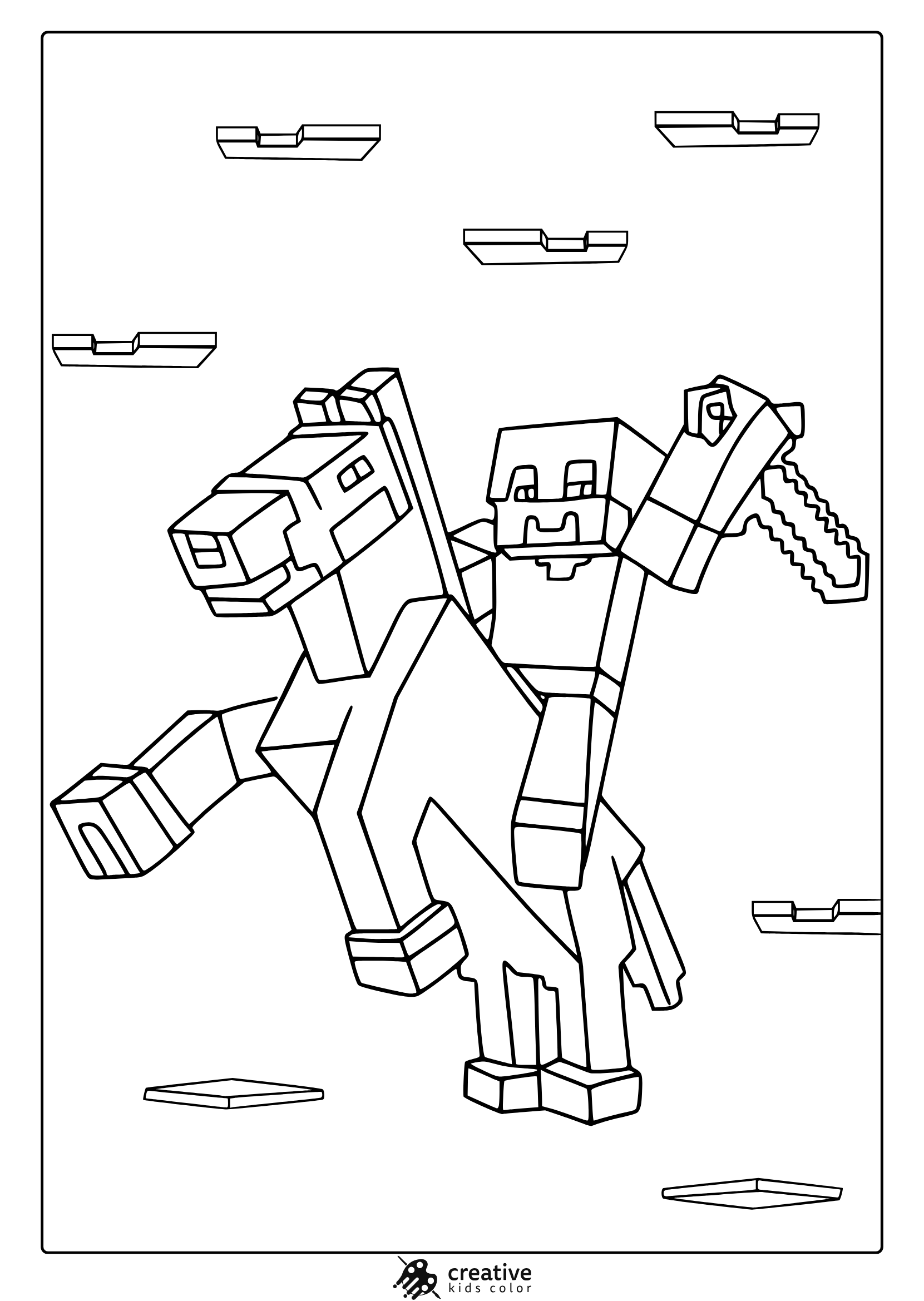
Horses in Minecraft can be colored in natural browns, grays, or even fun fantasy colors and still feel right. If Steve is riding, choosing a horse color that contrasts with Steve’s outfit helps the whole scene read clearly.
With crayons, fill the horse body first and then do the smaller saddle and reins details. With pencils, adding a slightly darker shade under the neck and belly gives quick depth without changing the blocky style.
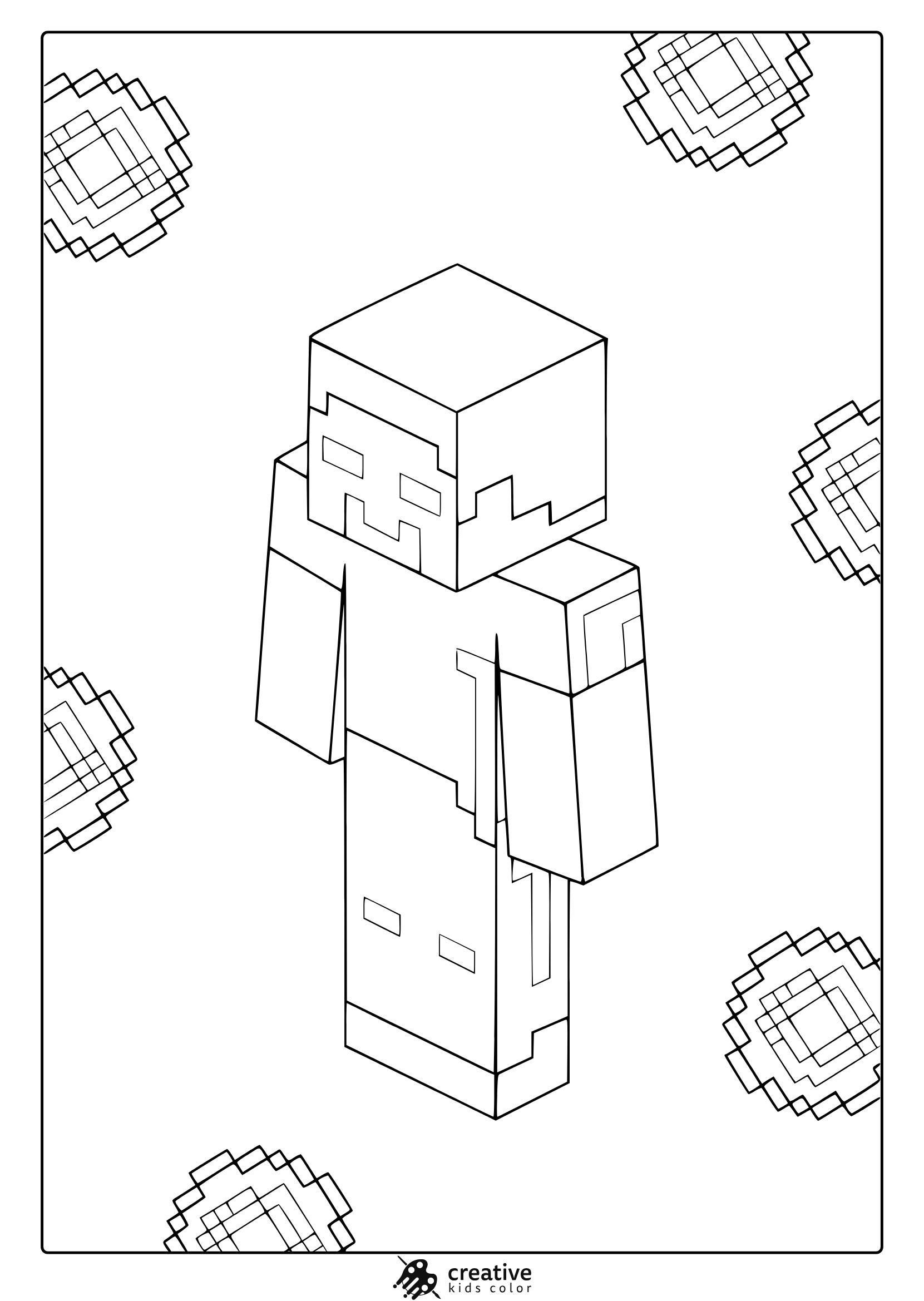
Herobrine
If you are including Herobrine, keeping the colors close to Steve makes the character feel intentionally mysterious instead of random. The key detail is the eyes, so leaving them very light or uncolored makes that blank stare effect.
With markers, keep the face area clean and do the eyes last so they do not get lost. With pencils, a little extra shading around the eye area can make the expression stand out without adding new colors.
Interactive Minecraft Coloring Activities
To make Minecraft coloring pages even more engaging, you can introduce fun, interactive activities that go beyond traditional coloring. These creative ideas help children interact with the Minecraft world in new ways and spark their imagination:
- Create Your Own Minecraft World
Challenge kids to design their own Minecraft world by coloring multiple scenes and characters. They can color blocks, animals, and structures to create a unique environment, encouraging creative thinking and storytelling. - Minecraft Color-by-Numbers
For younger children, color-by-numbers Minecraft pages are a great educational tool. Each section of the page is numbered with a color key to follow, helping kids learn colors, numbers, and how to follow directions—all while having fun! - Minecraft Craft and Coloring Combo
Combine coloring with crafting by having kids color and then cut out different Minecraft elements. They can then piece together their own Minecraft village, complete with characters and structures, for a more interactive experience. - Team Minecraft Coloring Activity
If you’re working with multiple kids, try a group Minecraft coloring activity. Each child can focus on a different section of a large Minecraft scene. When everyone finishes, they can bring the pieces together for one collaborative masterpiece. - Minecraft Armor Customization
Give children a blank Minecraft armor template and challenge them to design a new set of armor. Encourage them to think outside the box with different color schemes, patterns, and symbols. This activity not only promotes creativity but also connects to the game’s crafting mechanics, making it even more engaging for Minecraft fans. - Minecraft Storytelling Through Coloring
Turn coloring into a storytelling adventure by asking kids to color multiple scenes and then create their own Minecraft story. They can explain what is happening in each scene, whether it’s building a new home, battling a mob, or discovering a hidden treasure. This activity combines coloring with narrative thinking, helping children develop their storytelling skills while having fun.


please make more
Thanks a lot, Samuel. We’ll definitely make more Minecraft coloring pages soon. Stay tuned!